
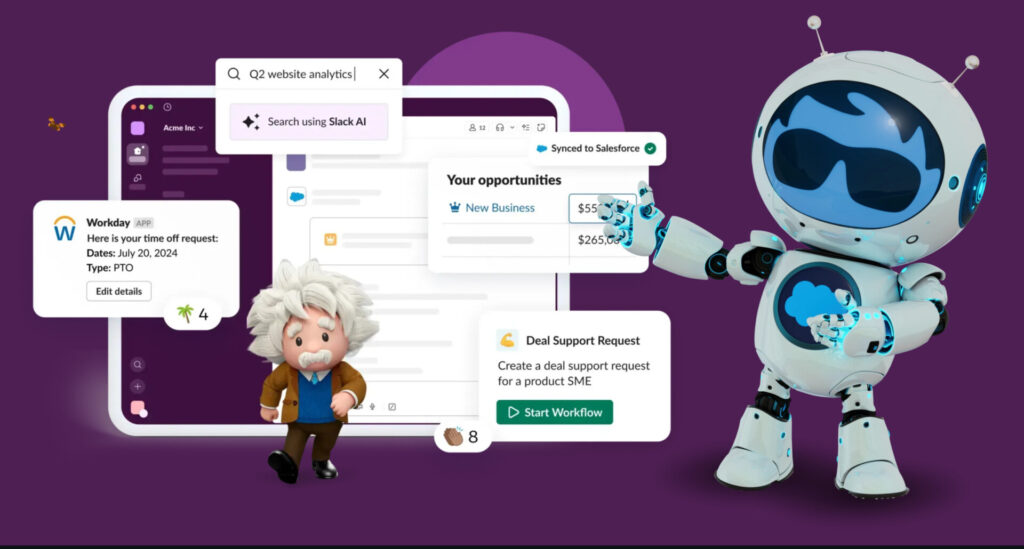
Every SMB knows the struggle of limited budgets, scattered tools, and chaotic launches. What’s the strategy? What tools do you use? And what happens after the launch? Slack helps solve these challenges by bringing people, apps, and AI together in one place to simplify how teams plan, launch, and grow.
As a startup or small and medium business (SMB) owner, getting your product or service to market is a huge thing. Create, launch, collect feedback, iterate — all at rocket speed. And none of this happens without a solid go-to-market (GTM) plan — a roadmap that guides you to the right customers with the right message at the right time. And we’re here to make that planning easy for you with Slack. You’ll learn how to accelerate your go-to-market strategy with Slack and CRM, plus how to create your first GTM plan – so let’s dig in.
What is a go-to-market (GTM) strategy?
A go-to-market (GTM) strategy is a plan for launching a new product or service to customers, or “bringing it to the market”. This plan involves researching the market, the messaging, the customers, and the competitors to find problems your product can fix. It involves creating a buyer persona to help you focus on your target audience and create better marketing campaigns for the launch.
A GTM strategy answers key questions like: Who are the right customers? How will you reach them? What’s the best way to tell them about your product? And how will you deliver it to them? As a startup, a clear GTM strategy can save you from mistakes like wasting time selling to the wrong people or spending too much on advertising to the wrong crowd.
How to create a GTM strategy for your startup
According to current research, 85% of successful startups had a GTM strategy before product development. But how do you do it? Let’s take a look.
Market research: Understand your ideal customer profile (ICP)
First things first: Who exactly are you trying to reach? This means figuring out who your customers really are. What problems do they have? What do they like? What do they not like? These answers will help you focus your efforts on the targeted audience you are trying to reach, not everyone. For example, if you’re selling homemade cookies, your ICP might be busy parents or local coffee shops (who love cookies and homemade snacks).
Boost team productivity with Salesforce
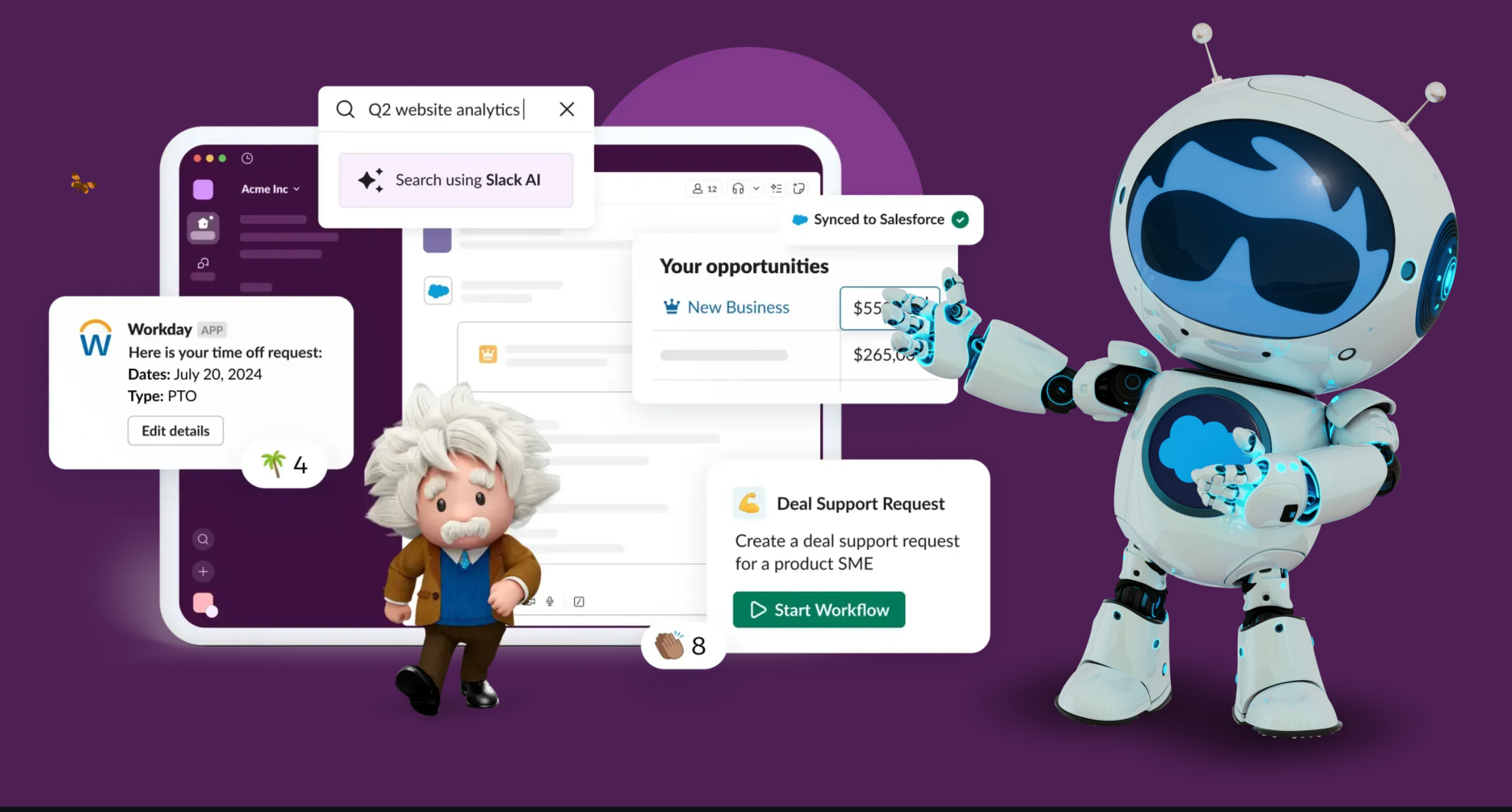



To get the product messaging right and catch your target audience’s attention, you should spend time researching:
- Who needs your product or service?
- What problems do they have that you can solve?
- Where do they hang out, online or in real life?
Strategize product positioning
Next, think about how your product fits into the market. Think about the industry, and what choices would serve your customers better within your budget. This includes asking yourself about:
- Product positioning: What is your product’s unique selling point (USP)? How is your product different or better than others?
- Sales strategy: Will you sell your product online, in stores, or through partners?
- Pricing strategy: What pricing strategy makes sense? If it’s too high, and customers won’t buy, too low, and you might not cover costs. Find the balance.
- Distribution strategy: How will your product get from you to the customer? Will you deliver it yourself or use a dropshipping service?
Conduct a risk assessment
Then, you’ll want to conduct a risk assessment for your business. Every plan has risks. It’s smart to think about what could go wrong, so you can be prepared. For example, what if your product or service doesn’t sell as fast as you hoped? What if you run out of stock? What if delivery gets delayed? What if your website goes down? By spotting risks early, you can create backup plans, like keeping extra products in your inventory or having a plan to boost sales through promotions.
Plan out post-launch service
The real challenge isn’t getting customers, it’s encouraging them to stay around. According to our latest State of Service Report, 88% of customers agree that good service makes them more likely to purchase again.
So make sure you’re ready to support customers after the sale. Look in every nook and cranny, at every step of your product launch or marketing campaigns to ensure your customers don’t leave without a solution. Don’t forget about the supporting details, like:
- Customer service: Who will answer questions or handle complaints?
- Budget: How much money can you spend on marketing, packaging, and other costs?
- Timeline: When do you want to launch?
Measure KPIs
Finally, it’s time to track how your GTM strategy went, by understanding your metrics. How will you know if your GTM plan worked? Set simple goals or key performance indicators (KPIs) like website visits or monthly product purchases. Keep an eye on customer feedback to improve your product and strategy. Make it a habit to check these numbers regularly and tweak your plan if needed.
Boost team productivity with Slack
Bring together your team, your customers, and your tools to help take your business to the next level with Slack — it’s where business gets done.

Why choose Slack to accelerate a GTM strategy
One of the primary benefits of using Slack as a GTM strategy for a small business is its ability to help people, apps, and AI work smarter together by speeding up how work is done.
Here’s how Slack supports this benefit:
- Breaks down silos: Dedicated Channels for specific projects, campaigns, and teams ensure that all relevant information, files, and conversations are in one place.
- Accelerates decision-making: AI summaries catch you up in seconds and search gets you the docs you need, without having the search through days of conversations.
- Boosts cross-functional alignment: Slack Huddles bring alignment across different departments, like marketing, sales, and product development to work in lockstep to make your GTM strategy a success.
- Facilitates external collaboration: Slack allows SMBs to collaborate with people outside organizations in a secure, shared channel, replacing a pile of emails and making communication with partners fluid.
Maximize Your CRM Productivity
Learn how small and growing businesses are taking productivity to new levels with Salesforce CRM in this free e-book.
Enter a valid e-mail address
Enter a valid e-mail address
Enter a valid e-mail address
Enter a valid e-mail address
Enter a valid e-mail address
Enter a valid e-mail address
Employees
1-20 employees
21-200 employees
201-10,000 employees
10,001+ employees
Select the number of employees
Industry
Automotive
Communications
Financial Services
Healthcare
Tech
Education
Life Sciences
Manufacturing
Media
Nonprofit
Public Sector
Retail & Consumer Goods
Energy & Utilities
Other
Select your industry.
Country/Region
United States
Afghanistan
Albania
Algeria
American Samoa
Andorra
Anguilla
Antarctica
Antigua And Barbuda
Argentina
Armenia
Aruba
Australia
Austria
Azerbaijan
Bahamas, The
Bahrain
Bangladesh
Barbados
Belarus
Belize
Belgium
Benin
Bermuda
Bhutan
Bolivia
Bouvet Is
Bosnia and Herzegovina
Botswana
Brazil
British Indian Ocean Territory
Brunei
Bulgaria
Burkina Faso
Burundi
Cambodia
Cameroon
Canada
Cape Verde
Cayman Is
Central African Republic
Chad
Chile
China
Hong Kong
Macau
Christmas Is
Cocos (Keeling) Is
Colombia
Comoros
Cook Islands
Costa Rica
Cote D’Ivoire (Ivory Coast)
Croatia (Hrvatska)
Cyprus
Czech Republic
Democratic Republic of the Congo
Denmark
Dominica
Dominican Republic
Djibouti
Ecuador
Egypt
El Salvador
Equatorial Guinea
Eritrea
Estonia
Ethiopia
Falkland Is (Is Malvinas)
Faroe Islands
Fiji Islands
Finland
France
French Guiana
French Polynesia
French Southern Territories
F.Y.R.O. Macedonia
Gabon
Gambia, The
Georgia
Germany
Ghana
Gibraltar
Greece
Greenland
Grenada
Guadeloupe
Guam
Guatemala
Guinea
Guinea-Bissau
Guyana
Haiti
Heard and McDonald Is
Honduras
Hungary
Iceland
India
Indonesia
Ireland
Israel
Italy
Jamaica
Japan
Jordan
Kazakhstan
Kenya
Kiribati
Korea, South
Kuwait
Kyrgyzstan
Laos
Latvia
Lebanon
Lesotho
Liberia
Liechtenstein
Lithuania
Luxembourg
Madagascar
Malawi
Malaysia
Maldives
Mali
Malta
Marshall Is
Mauritania
Mauritius
Martinique
Mayotte
Mexico
Micronesia
Moldova
Monaco
Mongolia
Montserrat
Morocco
Mozambique
Myanmar
Namibia
Nauru
Nepal
Netherlands, The
Netherlands Antilles
New Caledonia
New Zealand
Nicaragua
Niger
Nigeria
Niue
Norway
Norfolk Island
Northern Mariana Is
Oman
Pakistan
Palau
Panama
Papua new Guinea
Paraguay
Peru
Philippines
Pitcairn Island
Poland
Portugal
Puerto Rico
Qatar
Republic of the Congo
Reunion
Romania
Russia
Rwanda
Saint Helena
Saint Kitts And Nevis
Saint Lucia
Saint Pierre and Miquelon
Saint Vincent And The Grenadines
Samoa
San Marino
Sao Tome and Principe
Saudi Arabia
Senegal
Serbia
Seychelles
Sierra Leone
Singapore
Slovakia
Slovenia
Solomon Islands
Somalia
South Africa
South Georgia & The S. Sandwich Is
Spain
Sri Lanka
Suriname
Svalbard And Jan Mayen Is
Swaziland
Sweden
Switzerland
Taiwan
Tajikistan
Tanzania
Thailand
Timor-Leste
Togo
Tokelau
Tonga
Trinidad And Tobago
Tunisia
Turkey
Turks And Caicos Is
Turkmenistan
Tuvalu
Uganda
Ukraine
United Arab Emirates
United Kingdom
United States Minor Outlying Is
Uruguay
Uzbekistan
Vanuatu
Vatican City State (Holy See)
Venezuela
Vietnam
Virgin Islands (British)
Virgin Islands (US)
Wallis And Futuna Islands
Western Sahara
Yemen
Zambia
Zimbabwe
Select your Country
State/province
北海道 – Hokkaido
青森県 – Aomori
岩手県 – Iwate
宮城県 – Miyagi
秋田県 – Akita
山形県 – Yamagata
福島県 – Fukushima
茨城県 – Ibaraki
栃木県 – Tochigi
群馬県 – Gunma
埼玉県 – Saitama
千葉県 – Chiba
東京都 – Tokyo
神奈川県 – Kanagawa
新潟県 – Niigata
富山県 – Toyama
石川県 – Ishikawa
福井県 – Fukui
山梨県 – Yamanashi
長野県 – Nagano
岐阜県 – Gifu
静岡県 – Shizuoka
愛知県 – Aichi
三重県 – Mie
滋賀県 – Shiga
京都府 – Kyoto
大阪府 – Osaka
兵庫県 – Hyogo
奈良県 – Nara
和歌山県 – Wakayama
鳥取県 – Tottori
島根県 – Shimane
岡山県 – Okayama
広島県 – Hiroshima
山口県 – Yamaguchi
徳島県 – Tokushima
香川県 – Kagawa
愛媛県 – Ehime
高知県 – Kochi
福岡県 – Fukuoka
佐賀県 – Saga
長崎県 – Nagasaki
熊本県 – Kumamoto
大分県 – Oita
宮崎県 – Miyazaki
鹿児島県 – Kagoshima
沖縄県 – Okinawa
Select a state/province
State/province
Alberta
British Columbia
Manitoba
New Brunswick
Newfoundland
Northwest Territories
Nova Scotia
Nunavut
Ontario
Prince Edward Island
Quebec
Saskatchewan
Yukon
Select a state/province
State/province
Alabama
Alaska
Arizona
Arkansas
California
Colorado
Connecticut
Delaware
District of Columbia
Florida
Georgia
Hawaii
Idaho
Illinois
Indiana
Iowa
Kansas
Kentucky
Louisiana
Maine
Maryland
Massachusetts
Michigan
Minnesota
Mississippi
Missouri
Montana
Nebraska
Nevada
New Hampshire
New Jersey
New Mexico
New York
North Carolina
North Dakota
Ohio
Oklahoma
Oregon
Pennsylvania
Rhode Island
South Carolina
South Dakota
Tennessee
Texas
Utah
Vermont
Virginia
Washington
West Virginia
Wisconsin
Wyoming
Select a state/province
We value your privacy. To learn more, visit our Privacy Statement.
Thank you for downloading the free e-book!
How and where to use Slack for your GTM strategy
Now, the question arises how Slack can help in creating a GTM strategy? Here’s how Slack’s features fit perfectly into each stage of a solid GTM plan.
Research, organize, and launch products with Channels
Use Channels to keep conversations separate for your product launch, marketing strategy, sales representatives, customer research and so on. For example, if your startup is launching a new app, invite everyone involved in the #app-launch channel like designers, developers, and marketers for team transparency. AI summaries can quickly summarize any channel or thread, so new team members or senior stakeholders can catch up easily.
You can also integrate channels right into your CRM, like #market-research or #customer-insights, to share research findings, customer interviews, and competitor analysis. You can also run quick polls on your #pricing channel to gather team input and use threads within the #product-positioning channel to discuss different messaging concepts.
Decide your brand positioning and messaging with Canvas
Slack search helps you find specific data or comments instantly, which is handy when you need to reference or share insights during planning meetings. It can quickly pull up information through past messages, decisions, or files.
Canvas is useful for documenting your brand messaging and value propositions, ideas, or campaign details. Here, multiple team members can edit, comment, and finalize key sales messaging in one shared space. For example, track and log potential risks (like supply chain delays or budget overruns) in a Canvas for easy updating.
Stay on track with Reminders and Workflows
Set up Reminders for deadlines or launch dates. For example, set up a customer follow-up reminder for sales teams or check in with distribution partners to keep momentum going.
You can set up workflows that notify key team members immediately if a risk materializes, so action can be taken fast. Similarly, you can also plan support workflows, frequently asked question (FAQ) drafts, and escalation paths collaboratively and invite customer support teams and product managers to keep service aligned with what sales promised.
Integrate with other tools
When your CRM is connected to Slack, you’ll get sales updates right in your channels, so your team knows when a big deal is closing. This way you can respond faster.
You can integrate tools like Salesforce CRM, Google Sheets, or Tableau, and you have your KPI updates to discuss with your teams as well as partners. Integrate Workday to approve requests and permissions right from Slack without opening Workday.
16 Tips to work smarter with Slack apps and workflows
Simplify your work in Slack, where you can bring together the right teams, tools, and information — all in one place.


Keep external partners updated with Slack Connect
Invite people working outside your team, like vendors, clients, and agencies through Slack Connect. It lets you bring them into your workspace safely and chat, share files, and get feedback instantly on channels anyone shares.
You can use Slack Connect to discuss campaigns or product distribution, or rapidly share changes in the GTM plan. Run quick surveys or polls to gather feedback on the launch or product experience from customers and internal teams.
Start anytime anywhere with Templates, Huddles, and Clips
Use Slack templates to kickstart your project or launch planning without starting from scratch. Create your GTM strategy using the templates, assign necessary tasks to respective team members, add project timelines, and send it to everyone.
Need a quick call to discuss pricing concerns and finalize decisions without scheduling long meetings.? Use Slack Huddles for easy audio calls.
Want to explain a product feature to a customer? Clips let you record and share short videos right in Slack.
Wherever you are — just get started.
No matter where you are on your journey as a business owner, you can get started with Starter Suite for free — the CRM made for growth.

Boost your startup’s GTM strategy with Slack
Fuel your fire by making your GTM strategy process easy and fast. Whether it’s about researching your top customers, or creating a plan to mitigate the risks, Slack can help you deliver your message, ideas, and concepts as soon as they come up.
Here are a few resources to learn more about Slack for your SMB and startup:
- Slack Basics
- Slack Community Forums
- 9 Slack Hacks For Startups and Small Businesses
- Best Collaboration Tools For Startups
Start your journey with the Free or Starter Suite today. Looking for more customization? Explore Pro Suite. Already a Salesforce customer? Activate Foundations to try out Agentforce 360 today.
AI supported the writers and editors who created this article.
Frequently Asked Questions (FAQs)
A GTM strategy is a plan for how to introduce a product to targeted customers. It helps startups avoid wasting resources by outlining who to target, how to reach them, and how to sell effectively
Slack keeps all your GTM-related conversations, and information in one place, so your team can work faster. Slack can bring everything together, from brainstorming product positioning to tracking sales progress, or working with external partners.
Slack is useful throughout your entire GTM journey. For example, during research, you can collect and share insights in Channels; during launch, use reminders and workflows to stay on track; and post-launch, gather feedback and share metric updates.
Yes. Slack connects with many popular tools, including CRMs and platforms like Salesforce, Google Suite, or Tableau. This means you can get real-time updates on sales leads, support tickets, and customer feedback directly inside Slack channels.
With Slack Connect, you can invite partners, vendors, or agencies to specific channels while keeping data secure. This makes it easy to share campaign updates, gather feedback, and make decisions quickly for businesses.

