
During its iPhone 18 Pro and iPhone Duo event last week, Apple announced that iOS 27 will be released widely on Monday, September 14.
iOS 27 should be available around 10 a.m. Pacific Time / 1 p.m. Eastern Time tomorrow via the Settings app, under General → Software Update.
Below, we have highlighted eight new features and changes coming with iOS 27, with the main attraction being a major revamp of Siri.
iOS 27 is compatible with the iPhone 11 series and newer, but Siri AI and other Apple Intelligence features are limited to the iPhone 15 Pro and newer.
New Features
Siri AI
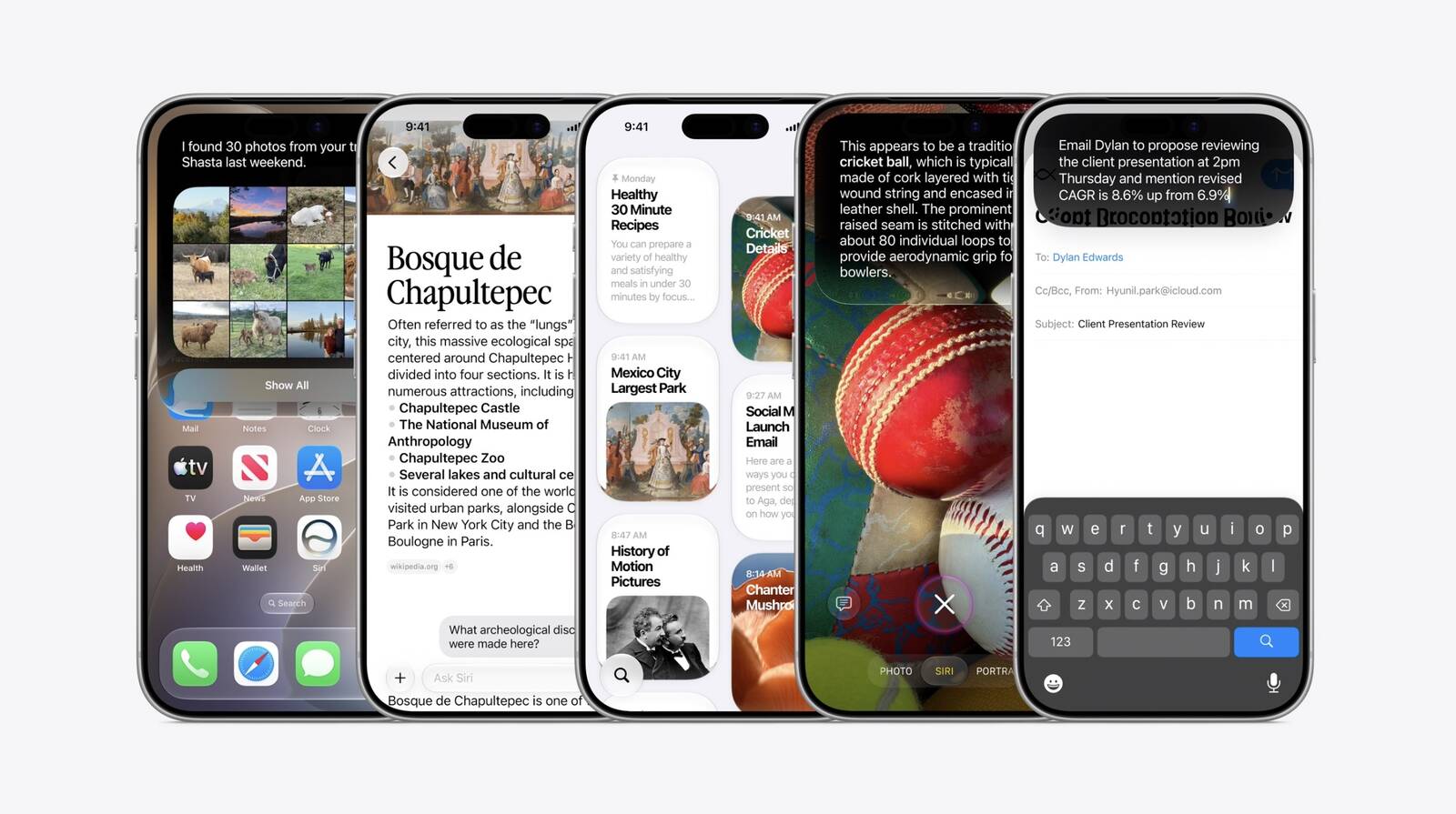
The classic version of Siri has always been useful for basic actions like setting a timer and checking the weather, but it has notoriously struggled with more advanced requests over the years. That all changes with iOS 27, which features a much more intelligent and personalized version of Siri named Siri AI.
Siri AI is essentially a ChatGPT-like version of Siri that can answer pretty much anything. iOS 27 introduces a dedicated Siri app, or you can continue to invoke the assistant by pressing and holding the iPhone’s side button. Given it is powered by Apple Intelligence, Siri AI requires an iPhone 15 Pro or newer.
Siri AI can draw on your personal information stored on your iPhone, has on-screen awareness, and can perform actions in more apps that support it.
Apple said Siri AI is limited to English to start, and the feature will be subject to daily usage limits, with expanded access to be available for a fee in the future. Siri AI will not be initially available in the EU on iOS 27, iPadOS 27, and watchOS 27, as Apple is in a regulatory battle with the European Commission.
More Apple Intelligence Features
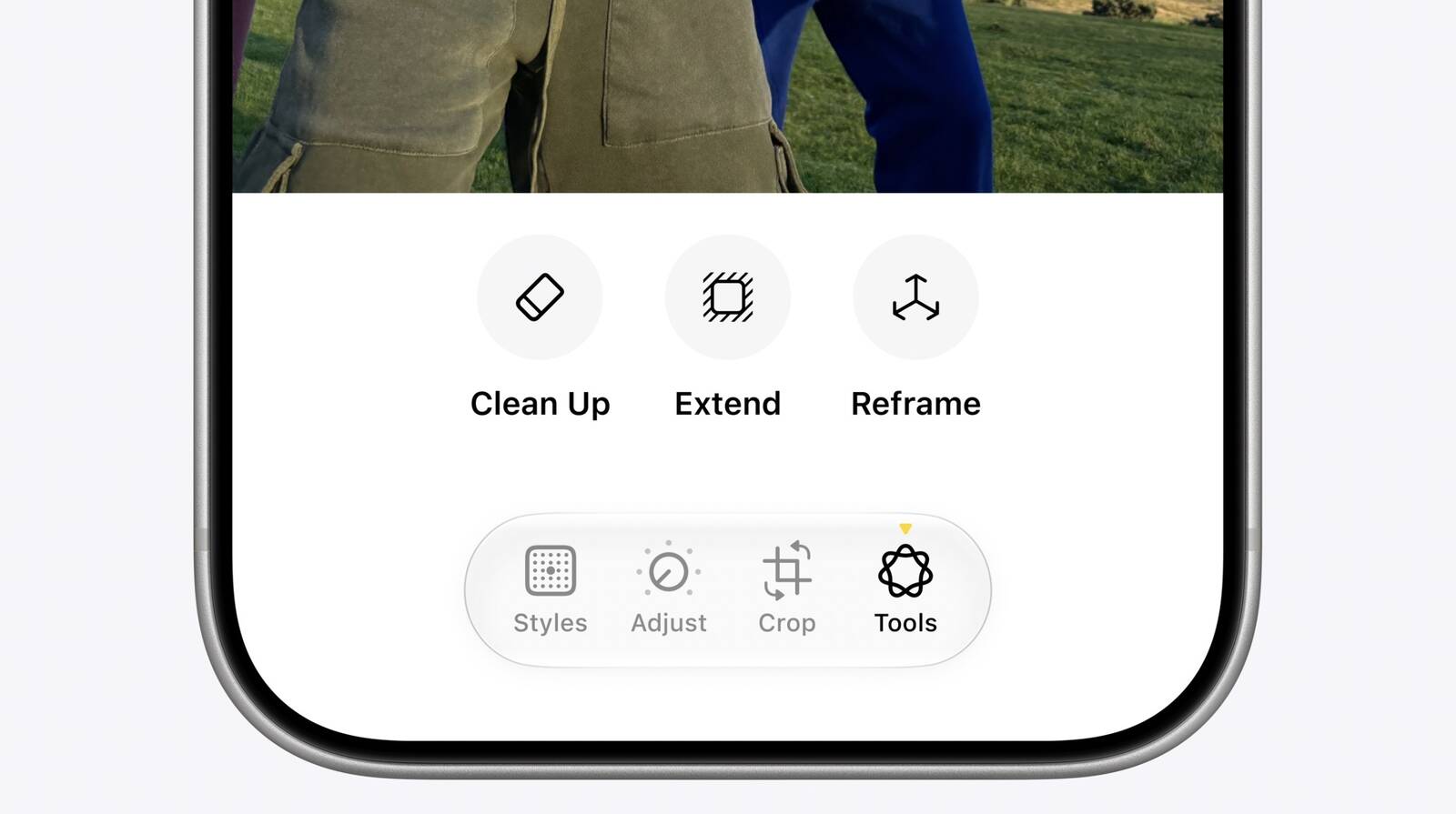
Other new Apple Intelligence features on iOS 27 include new “Extend” and “Reframe” options in the Photos app, the ability to generate “photorealistic” images in the Image Playground app, the ability to create new shortcuts in the Shortcuts app by simply describing them, generated video descriptions for HomeKit Secure Video cameras, and more.
Liquid Glass Design Changes
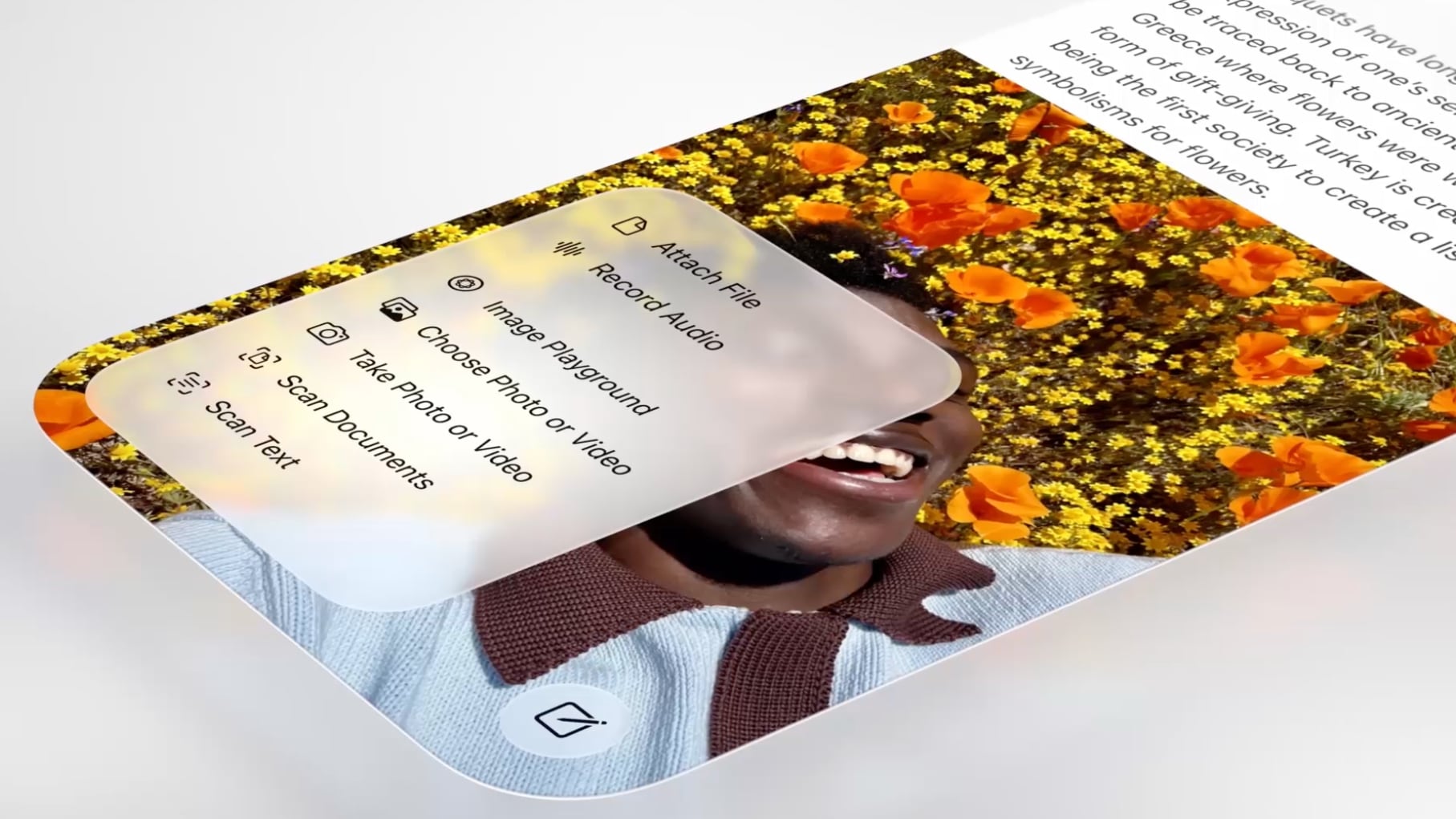
Apple introduced a new Liquid Glass design on iOS 26, and it has further refined the interface on iOS 27. Apple says Liquid Glass now has “more uniform refraction and improved contrast,” and app icons are “sharper and more detailed.”
A new slider lets you adjust how clear or tinted Liquid Glass looks.
Performance Improvements
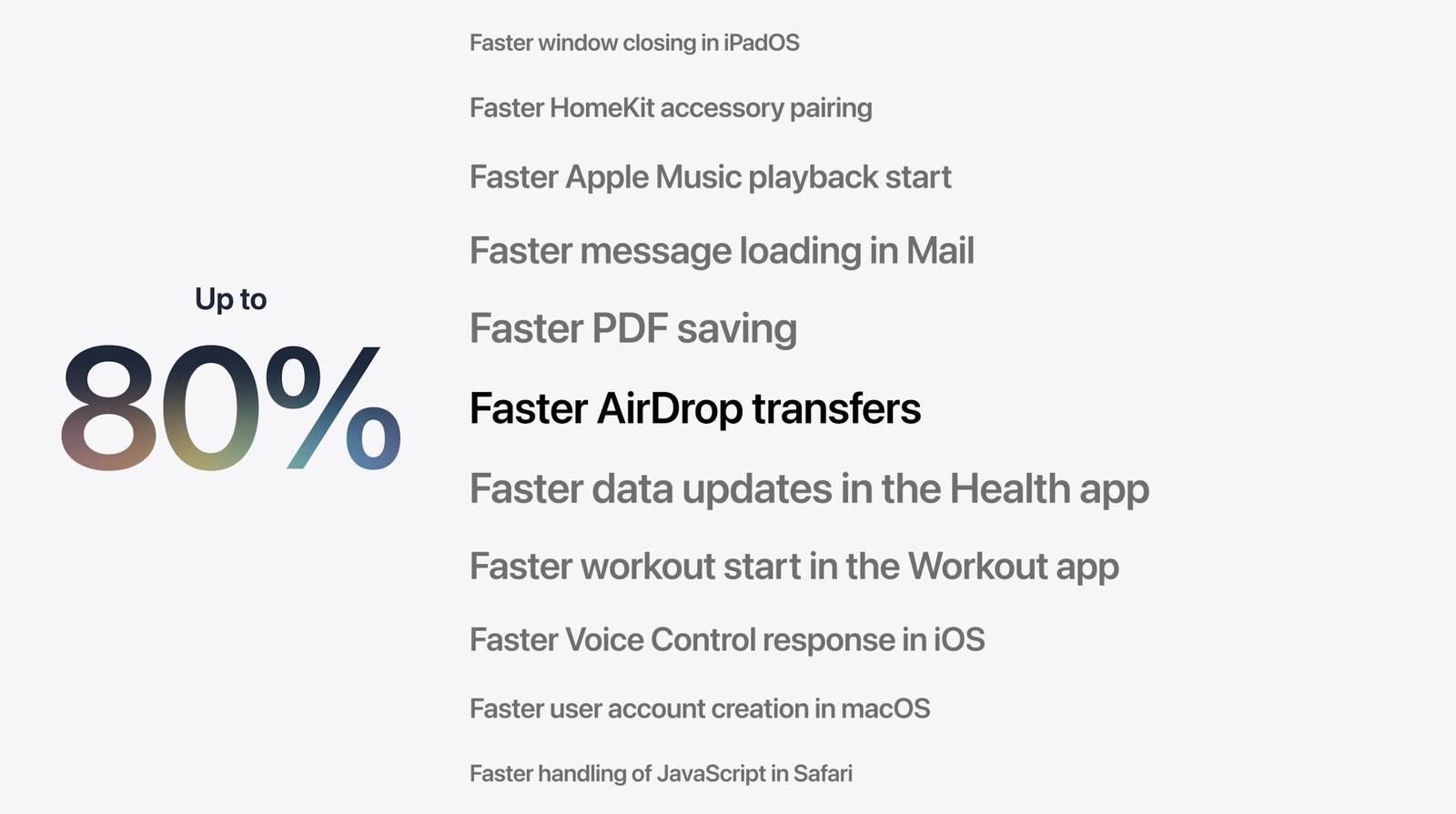
iOS 27 makes a lot of actions and experiences faster across the operating system. For example, Apple said app launches are up to 30% faster, new photos in the Photos app library load up to 70% faster, and AirDrop transfers are up to 80% faster. To learn about others, check out our list of noteworthy performance improvements.
iPhone Handoff
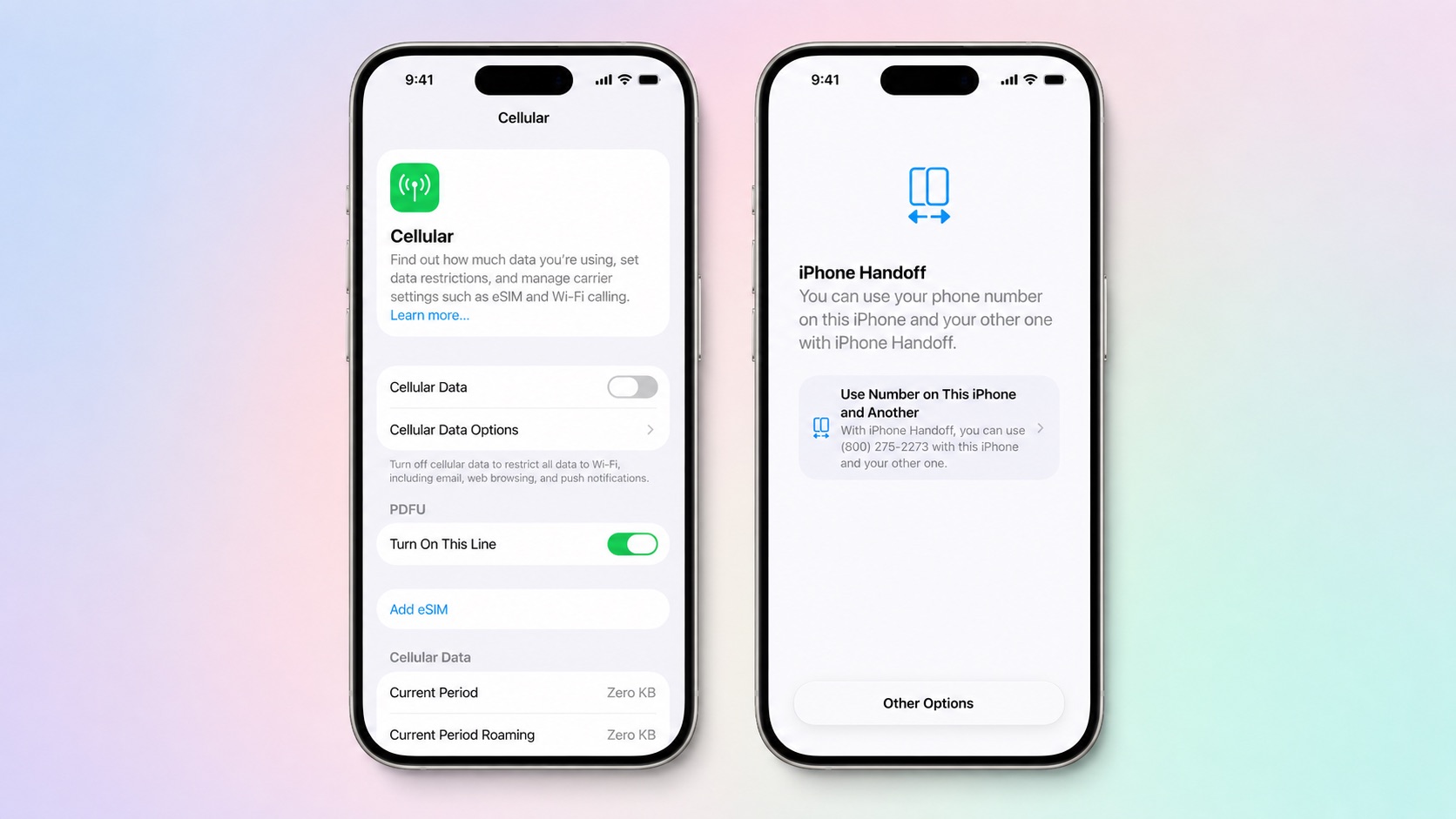
Apple has added a new iPhone Handoff feature to iOS 27 that allows you to switch between two iPhones while using the same phone number on each device.
iPhone Handoff requires support from carriers, which may charge a fee for the feature. T-Mobile in the U.S. and Deutsche Telekom in Germany will be the first carriers to offer iPhone Handoff, with T-Mobile set to charge $5 per month for it. Apple said Verizon and the UK’s EE plan to offer the feature by the end of the year, with more carriers to follow.
To learn more, read our iPhone Handoff explainer and Apple’s support document. In addition, a video demonstrating the feature was shared in our forums.
Apple Cash Bill Splitting
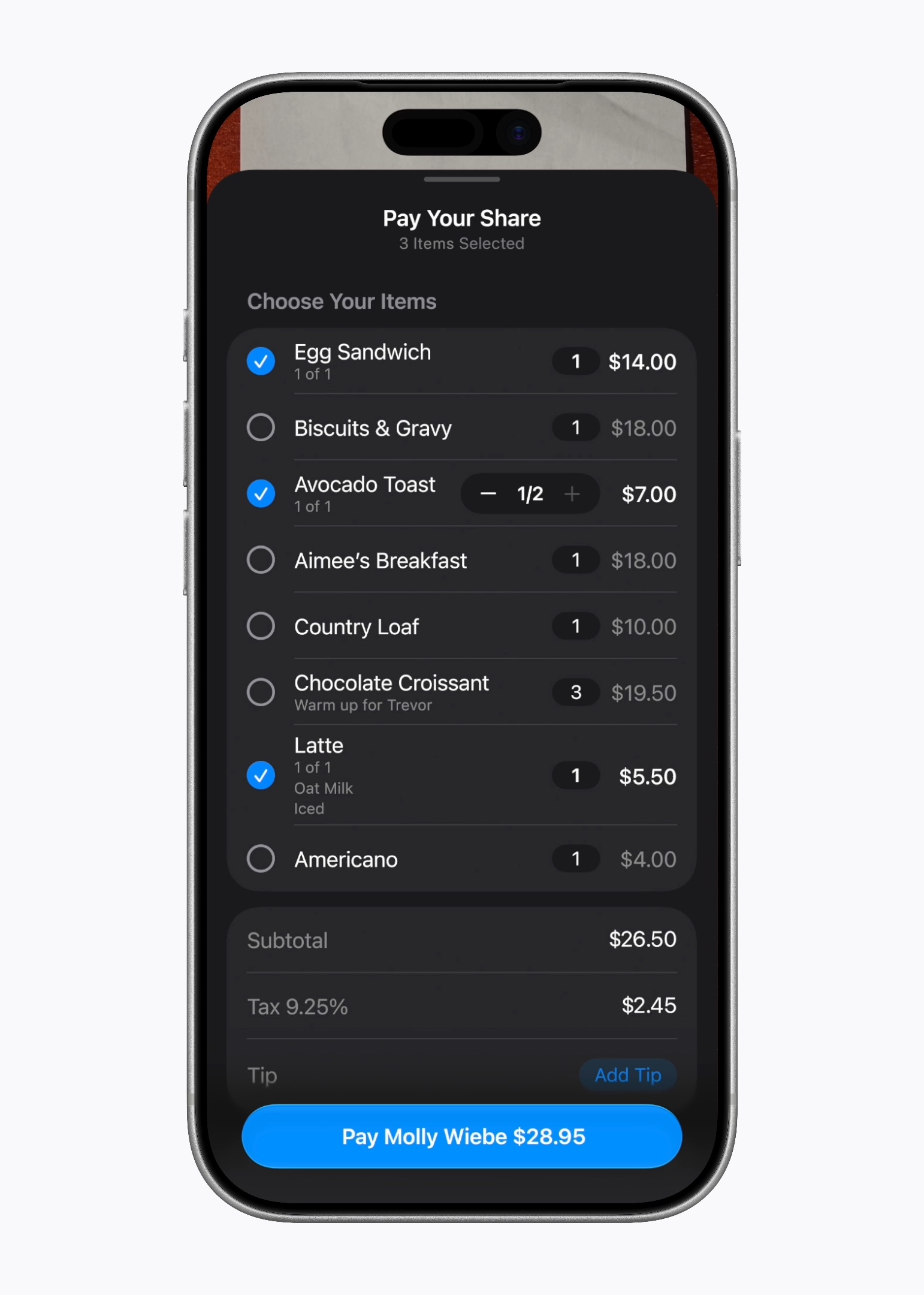
In the U.S. only, iOS 27 allows you to split bills with a new feature powered by Apple Cash and Apple Intelligence. This capability is available in the Apple Wallet and Messages apps, or by using the new Siri mode in the Camera app.
“When users point their iPhone at a receipt using Siri mode, it can surface the relevant action to split a bill with Apple Cash and identify the items on the receipt,” said Apple. “As users select their items, their total payment is calculated, including their share of tax and tip, so they can pay back exactly what they owe with Apple Cash.”
Hide Location in Find My
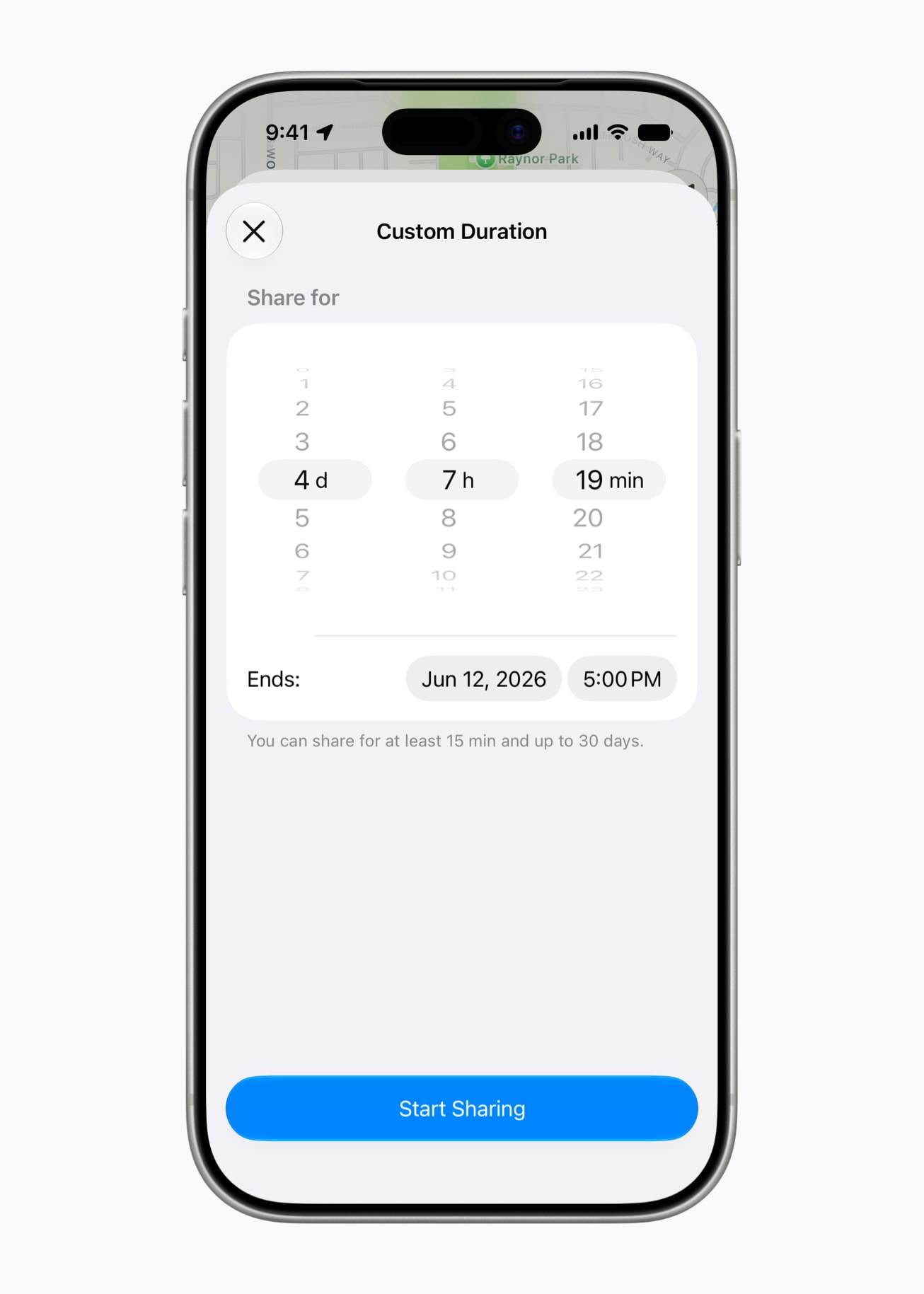
In the Find My app, you can now share your location with others for a custom duration, such as four days and six hours. Or, you can set a set an exact date and time for your location sharing to expire. In addition, you can now pause your location sharing with specific people until the end of the day, without them knowing. The ability to hide your location is meant for things like planning a surprise birthday party for your spouse.
On iOS 26 and earlier, there are only three preset timeframes available for Find My location sharing: indefinitely, until end of day, and one hour.
CarPlay Video Apps
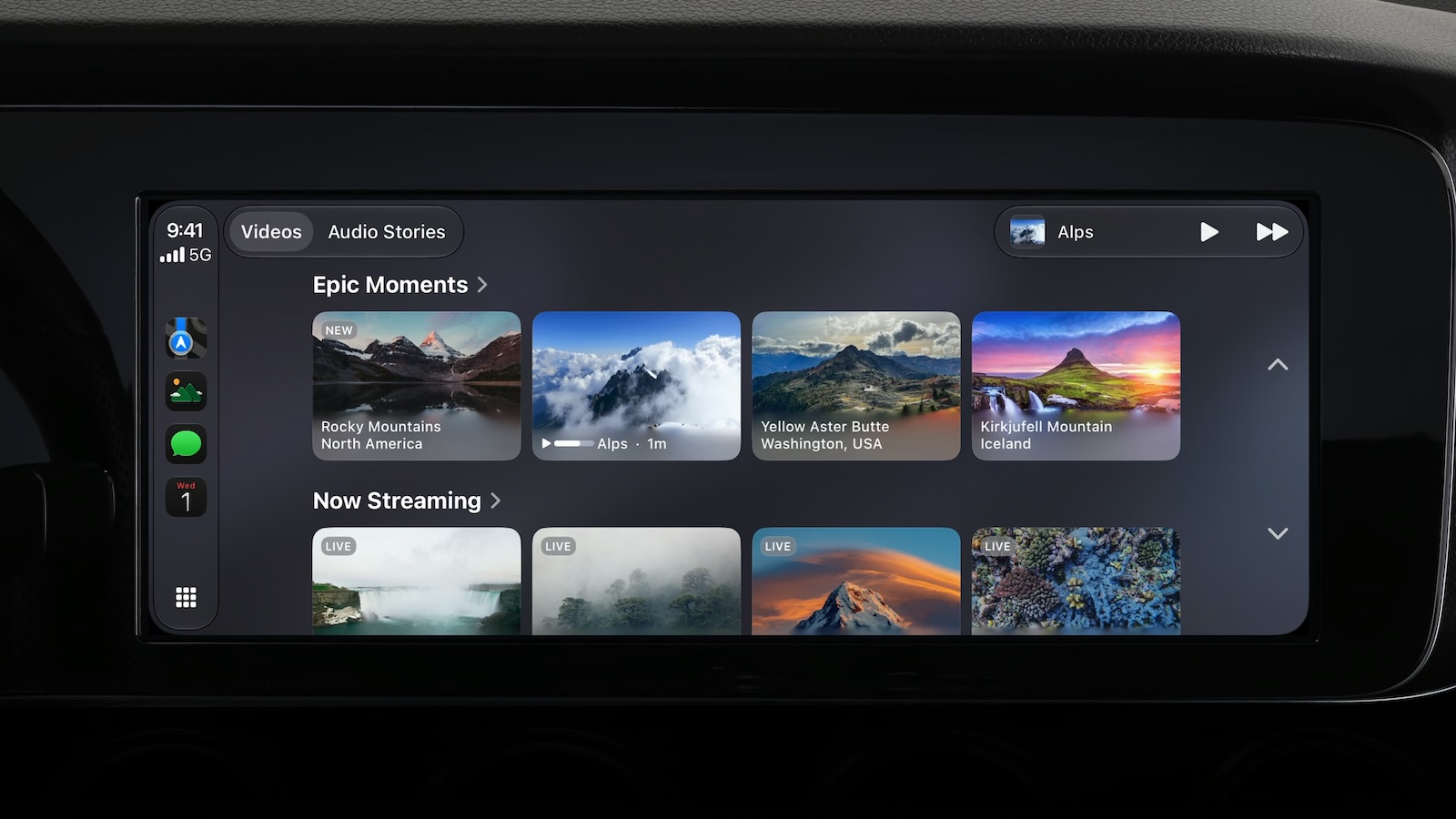
Back at WWDC 2025, Apple revealed that it was planning to allow CarPlay users to watch video via AirPlay in their vehicles while they are not driving.
In a WWDC 2026 video aimed at developers, Apple said the CarPlay video feature is available in new vehicles that support it. When playing a video in an iPhone app that supports AirPlay video streaming, users can select the car’s display from the AirPlay menu on iOS and watch the video on a compatible vehicle’s screen.
New in iOS 27, Apple is allowing developers to create CarPlay apps with video browsing capabilities, so you can find videos to watch right on CarPlay.
This feature can keep you entertained while you are not driving. For example, Apple said you may use it while waiting in your car at the airport, or charging your electric vehicle. For safety reasons, video playback is only enabled when the vehicle is parked.
CarPlay video will likely roll out in new vehicles over time, so stay tuned.
Compatible iPhones
The following iPhone models are compatible with iOS 27:
- iPhone 18 Pro
- iPhone 18 Pro Max
- iPhone Duo
- iPhone 17e
- iPhone 17
- iPhone 17 Pro
- iPhone 17 Pro Max
- iPhone Air
- iPhone 16e
- iPhone 16
- iPhone 16 Plus
- iPhone 16 Pro
- iPhone 16 Pro Max
- iPhone 15
- iPhone 15 Plus
- iPhone 15 Pro
- iPhone 15 Pro Max
- iPhone 14
- iPhone 14 Plus
- iPhone 14 Pro
- iPhone 14 Pro Max
- iPhone 13
- iPhone 13 mini
- iPhone 13 Pro
- iPhone 13 Pro Max
- iPhone 12
- iPhone 12 mini
- iPhone 12 Pro
- iPhone 12 Pro Max
- iPhone 11
- iPhone 11 Pro
- iPhone 11 Pro Max
- iPhone SE (2nd generation and later)
More
In June, Apple shared a list of more than 250 new features and changes across iOS 27, iPadOS 27, macOS 27, watchOS 27, tvOS 27, and visionOS 27.
All of the updates will be released on Monday, September 14.
This article, “iOS 27 Available Tomorrow With These 8 New Features” first appeared on MacRumors.com
Discuss this article in our forums