
Picture this: It’s release week. You’re prepping your orgs, coordinating with your stakeholders, and keeping a close eye on maintenance windows. Suddenly, your inbox is flooded with status alerts. You pause everything to sift through them, manually cross-referencing your specific instance names against hundreds of global updates, only to realize that none of those alerts actually impact your orgs.
Sound familiar?
We know admins wear a lot of hats, and sifting through notification noise shouldn’t be one of them. The current public Salesforce Trust site gets the job done, but because it reports at a generic instance level, you end up receiving alerts for every single product on that instance. This leads to serious alert fatigue, making it way too easy for critical and actionable updates to get lost in the shuffle.
Today, we’re thrilled to introduce the ultimate quality-of-life upgrade for your release and maintenance planning: Salesforce My Trust Center. My Trust Center provides a personalized view of health and communications relevant only to a user’s specific instances and products, elevating the generic, global view of service health that the current public Salesforce Status site provides.
Trust has a new status: Personal
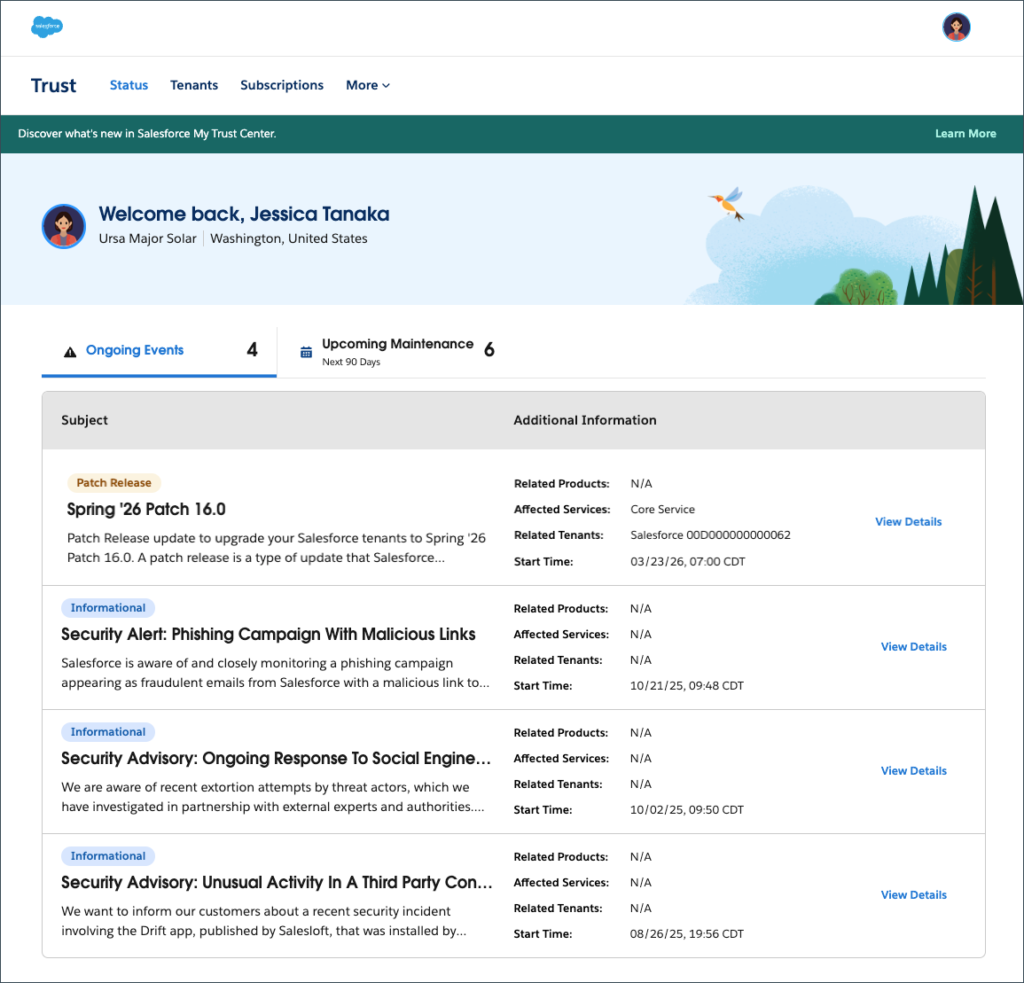
My Trust Center is an authenticated portal designed specifically to cut through the noise and give you time back in your day. By logging in with your Trailblazer ID, the system securely identifies who you are and shows you what matters most: the status and availability of your orgs.
Instead of searching through hundreds of instances on the public Status site, you get a single, personalized pane of glass. You’ll see real-time status, upcoming maintenance, and communications relevant to your specific tenants and the products you use.
3 ways My Trust Center empowers admins
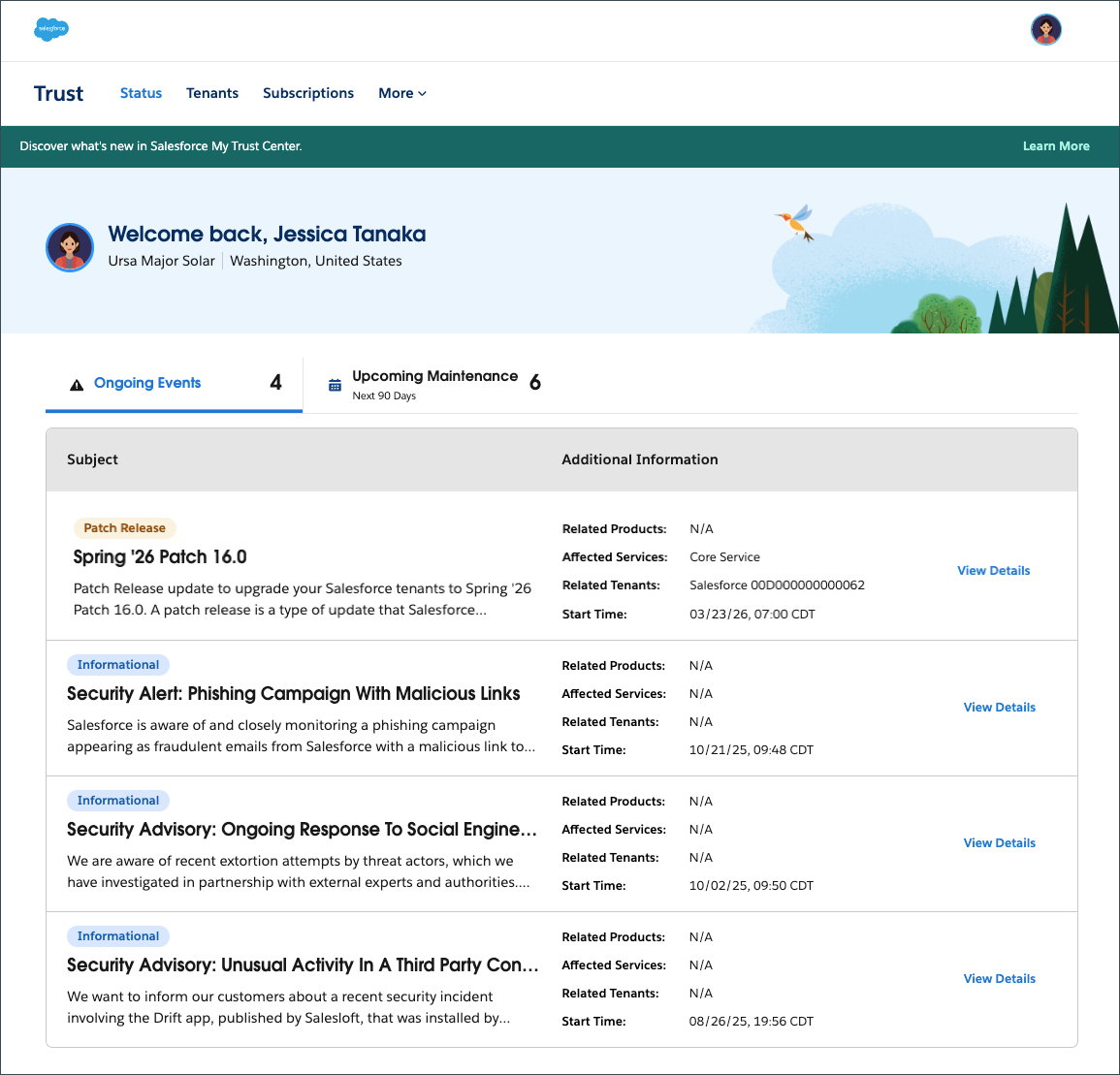
1. Cut the noise, keep the signal. Say goodbye to instance-wide email blasts. When you subscribe to notifications, My Trust Center will only look at your tenants and the products used. This drastically reduces the volume of notifications you receive, ensuring that when you subscribe to notifications and an alert does land in your inbox, you know it actually matters to your users.
2. Plan like a pro with advanced visibility. Release management just got a lot easier. For admins and operations teams managing multiple deployments, My Trust Center provides detailed, real-time deployment information regarding patch releases and feature enablement four to five days before the patch goes live. Sandbox orgs are also being added so you’ll have the critical runway needed to prepare, run regression tests, and communicate with your users ahead of time.
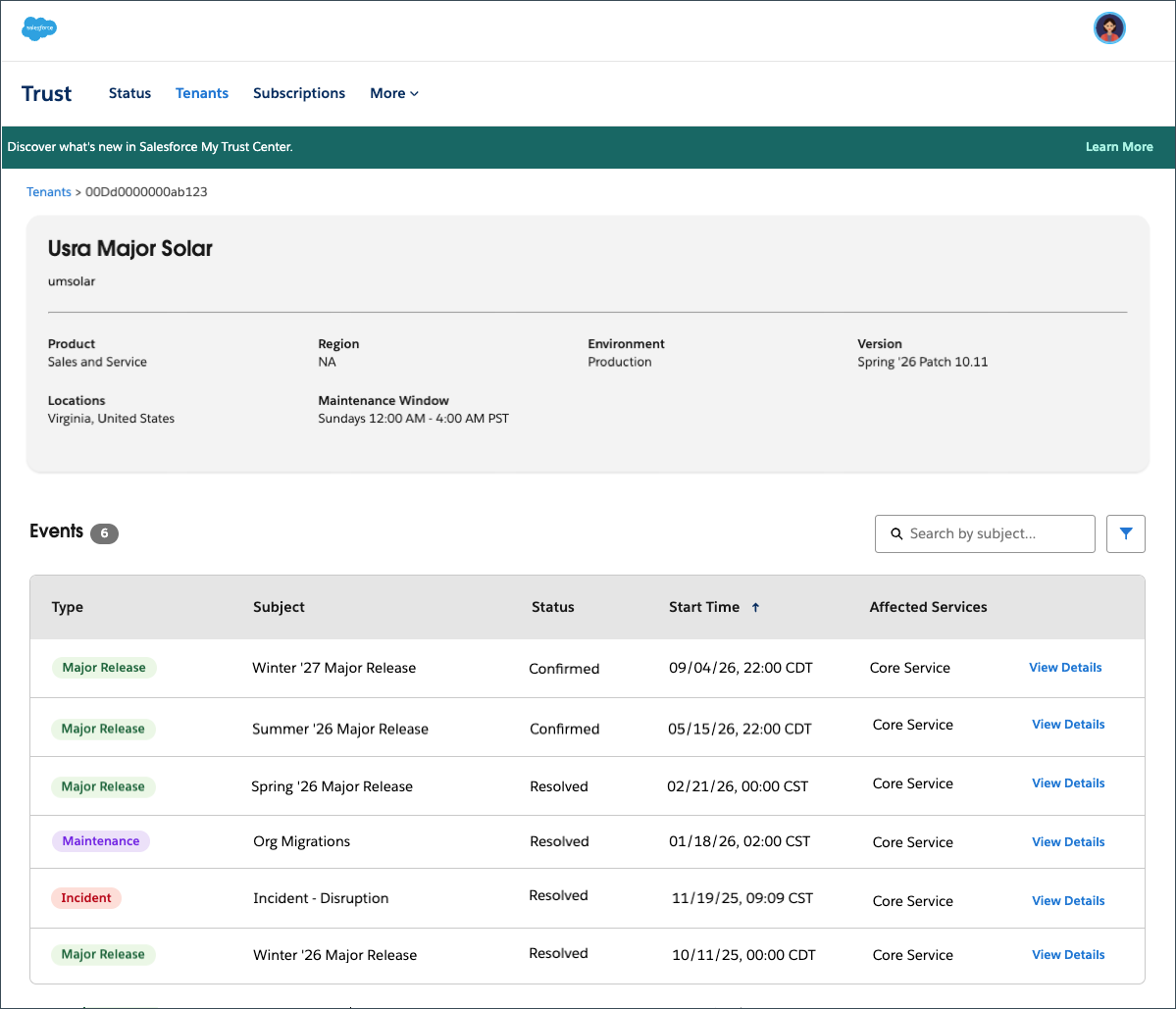
3. Access more data and more features. Because My Trust Center is a secure, authenticated environment, we can provide access to more historical data about your tenants. One full year! Additionally, we’re adding support for more types of events, including patch releases that occur every 2 weeks. Patch releases will now be visible in My Trust Center along with the detailed release notes. In the future, we plan to have major release notes and Root Cause Analyses (RCAs) for eligible incidents available as well. More details, quicker delivery, admins empowered!
The future of Trust, Status, and My Trust Center
As we roll out My Trust Center, you might be wondering what happens to the public Trust and Status sites we’ve all relied on for years.
We’re in a transition phase. The current Trust and Status sites will continue to run in parallel with My Trust Center for a few reasons.
- We’re still moving products over. Not all products are on My Trust Center, such as Agentforce Commerce, Heroku, and Slack. We’re actively working to bring all products in the Salesforce ecosystem to My Trust Center for a unified experience.
- We’re building access for non-licensed users. We know that many companies have IT staff, contractors, or partners who don’t need day-to-day Salesforce licenses. We’re currently working on a solution for those companies so they can determine if a non-licensed user has secure access to service health and availability.
- You need time to migrate your subscriptions. Your legacy Trust notifications from the public Trust site will not carry over to My Trust Center automatically. We want to ensure our users have plenty of time to log in, subscribe to their personalized, tenant-level notifications, and get comfortable with the new experience.
- You need time to update your application programming interfaces (APIs). We know many of you have automated monitoring tied to the legacy Trust APIs. It will take time for you to redirect those API calls to My Trust Center, and we want to give you that runway.
We’ll communicate early and often to make sure all our users have made the switch before we say goodbye to our public Status page.
Get started with My Trust Center today
My Trust Center is live for the Agentforce 360 Platform, Data 360, Salesforce AI, Agentforce Sales, Agentforce Service, Marketing Cloud Engagement, and Salesforce Industries. Getting started is easy.
- Navigate to my.trust.salesforce.com and register using your Trailblazer account.
- Review the Upcoming Maintenance to see planned maintenance over the next 90 days, including the start time and the estimated duration.
- At the top left of the page, select Tenants to view all orgs assigned to you. On the right-hand side, click View Details to see past, current, and future events and incidents.
- Click Subscriptions. There, you can subscribe to informational messages and customize your tenant-level notifications. Simply click Subscribe to Tenant, select the tenant, and choose the event types (like incidents, patch releases, or maintenance windows) you want to receive notifications for.
We can’t wait to give you a clearer, quieter, and more personalized Trust experience so you can focus on what you do best: delivering amazing experiences for your users!
Resources
- Salesforce Help: Salesforce My Trust Center (Beta)
- Salesforce Help: Personalized Trust (Beta) Experience FAQ
- Salesforce Admins Podcast: What Is My Trust Center and How Does It Help Admins?
The post Introducing My Trust Center: A Personalized Approach to Trust and Status appeared first on Salesforce Admins.

