
Key Takeaways
If you’ve ever felt like your app is just one tiny drop in the app store’s ocean, you aren’t alone. Many small teams spend months building a product they love, only to find that getting people to actually see it in the store is the hardest part. It’s frustrating to know you have a great solution for your customers while it stays hidden behind thousands of other listings.
The good news is that you don’t need a massive marketing team to get your app in front of the right people. By focusing on app store optimization (ASO) — the simple process of making your app more visible — you can bridge the gap between your product and your future users. This guide will show you how to use ASO to help your small and medium business (SMB) grow without the headache of complicated tech speak.
Understand the basics of app store optimization
App store optimization (ASO) is the process of improving the visibility of a mobile application within an app marketplace (like the Apple App Store or Google Play Store) to increase downloads. It involves strategic changes to an app’s listing elements to help it rank higher in search results and encourage users to download it.
Think of ASO as your digital storefront window. For an SMB, it’s the most direct way to tell a prospect that you have exactly what they’re looking for. You want to make it as easy as possible for anyone to find your app, understand what it does, and hit that download button.
When you focus on your app listing, you’re essentially helping the store’s search engine categorize your brand correctly. Startups often find that small tweaks to their title or the way they describe their services lead to a big jump in how many people find them organically. It’s all about being clear and helpful rather than trying to sound like you’re selling something.
Market your SMB with Salesforce AI


Optimize your app in 5 easy steps
Getting started with your optimization doesn’t have to be overwhelming. You can break it down into a few manageable tasks that fit into your busy schedule as a founder. Following a simple path helps you stay organized and ensures you don’t miss the small details that make a big difference.
1. Choose your app name and subtitle wisely
Let’s start with your app name. It most likely will be your brand or business name — but sometimes, there are opportunities to branch off and have different variations. Choose your app name and subtitle with relevant ties to your business or brand identity. When you do, run it by your support system or prospects as a test — and remember to try to choose a name that’s easy to remember. It needs to say what it does without much explaining — hard to do with a one-sentence tagline.
Avoid using jargon-y industry words that might confuse someone who’s just looking for a quick fix. Instead, sprinkle your keywords throughout your title and your description, so the app store knows when to highlight you. When you keep it simple, you help more people find your business. To help stay on top of these trends, look at how artificial intelligence (AI) can help you spot patterns in what people are searching for.
2. Research your app keywords
Researching keywords is the foundation of effective ASO. It’s the process of identifying the exact search terms your potential users type into the app store when looking for a product like yours. Keywords are just the words people type into the search bar when they’re looking for help. To get your app seen, you need to talk like your users do and talk to the search engines (and now Google AI Overviews).
Focus on high-relevance terms that accurately describe your app’s main function. Start by thinking like your customer. What problem does your app solve, and what words would a person use to search for that solution? Use a mix of broad terms and specific, “long-tail” phrases. While a broad term like “budget app” is competitive, a more specific phrase like “monthly expense tracker for freelancers” might lead directly to a download from your target audience.
What can you do with a CRM built to reach more prospects?
Automate your marketing campaigns with a CRM built to grow. It all starts with Starter Suite.

Keep a close eye on your competitors, too. Analyze the keywords they’re using in their titles and descriptions. This doesn’t mean copying them, but rather finding gaps where you can rank higher. Aim for keywords with a solid search volume but lower competition where your startup can actually break through.
Let’s look at an example for keyword, “small business task manager app”:
- Broad: Project management
- Specific: Task list for small teams
- Benefit-driven: Organize work schedule
- Niche: Remote team checklist app
3. Design your visuals to tell a story
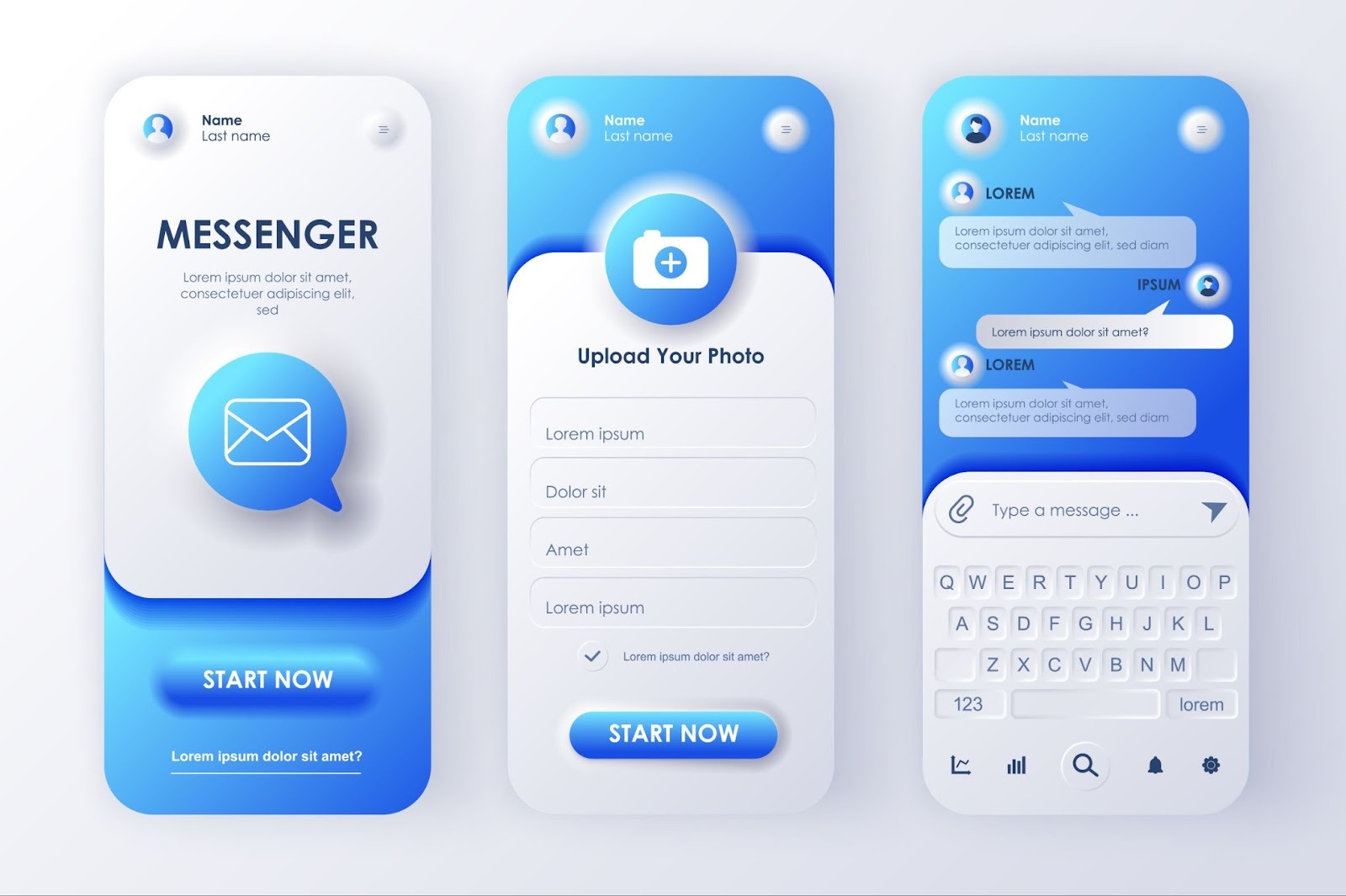
Most people will decide to download your app based on your images before they ever read a single word of your description. For a small business, your app visuals are your chance to show off your personality and the quality of your brand. Use captions on your images to point out exactly how a specific feature makes your app easy to use.
If your app helps people save time, show a screengrab of the main dashboard where the time savings are obvious. High-quality visuals build a sense of trust and professionalism that helps startups compete with much larger companies. This is a big part of optimizing your app because it turns a “viewer” into a “user.” Every image should serve a purpose and guide the customer toward choosing you.
4. Write for humans, connect with search engines
The description of your app is a direct conversation with a potential user, not just a place to stuff keywords. After they’ve seen your compelling visuals, the description is where you seal the deal by clearly explaining the value and benefits you offer. Think of it as answering the question: “How is my life better after I download this app?” Avoid overly technical jargon or long lists of features. Instead, focus on a friendly, approachable tone that highlights solutions to the user’s problems.
A great description uses your researched keywords naturally while prioritizing readability.
- Start with a strong opening paragraph that summarizes your app’s core purpose and the main benefit.
- Use bullets to break up text and make key features easy to scan.
- Remember, many users only read the first few lines before tapping “Read More,” so make those first sentences count.
- End with a clear call to action, encouraging them to download and start solving their problem now.
A few examples of human-centric descriptions:
Budgeting app: Tired of budget stress? This app makes managing your money simple, not scary. See where every dollar goes, set painless saving goals, and finally take control of your financial life. (Keyword focus: Expense tracker, money management)
Local service app: Need a fix, fast? Connect instantly with top-rated local pros for home repairs and services. We take the hassle out of finding reliable help, so you can relax. (Keyword focus: Handyman near me, local repair)
Fitness app: Your personal gym, no membership required. Get access to quick, effective home workouts designed for your busy schedule. Start your journey to feeling healthier and stronger today! (Keyword focus: Home workouts, weight loss)
Related Stories








5. Test and learn
There are two primary ways to approach testing your app optimization efforts: A/B testing and monitoring key performance indicators (KPIs).
A/B testing, also known as split testing, is a crucial method for small businesses. It involves creating two slightly different versions of an app store element — such as your app icon, a screenshot, or a short description — and presenting them to different segments of your potential users.
For example, you might test two different app icons to see which one generates a higher taps-to-install rate. By changing only one element at a time, you can isolate the impact of that specific change, giving you clear, actionable data on what motivates users to download your app. Platforms like the Google Play Console and third-party tools offer built-in support for running these controlled experiments, making it easy to see which visuals and text truly convert viewers into users.
And the continuous monitoring of key metrics provides a comprehensive view of your app performance. The most important KPIs to track are:
- App impressions (how many times your listing appeared),
- product page views (how many users clicked on your listing),
- and conversion rate (the percentage of page views that resulted in a download).
A drop in impressions might signal a need to improve your keywords, while a low conversion rate suggests your visuals or description aren’t compelling enough once users land on your page. By consistently reviewing these metrics — ideally weekly or monthly — you can quickly identify which of your steps need adjustment and ensure your app stays visible and relevant over time.




Pro Tip: Use reviews to build real trust
Reviews are like digital word-of-mouth for your startup. When a potential customer sees that other people have had a great experience with your app, they’re much more likely to give it a try themselves. This social proof is a massive part of app optimization because the stores reward those that have active users.
Make it a habit to ask your most loyal customers for a review after they’ve had a win using your app. If someone leaves a suggestion or a complaint, reply to them quickly and kindly to show you’re a real person who cares. This level of service is where an SMB can really shine compared to enterprise. Taking care of your community helps your ranking and keeps your business growing.
Join millions in the growing Salesforce ecosystem
Trailblazers are free to reinvent themselves, free to dream bigger.

Grow your app with CRM and AI
CRM tools come in to help you manage those relationships without losing that personal touch your customers love. Agentforce 360, the autonomous AI agent ready to help, can help you handle common questions and guide users through your app, which keeps them happy and leaves you with more time to focus on your big-picture goals.
Start your journey with the Free or Starter Suite today. Looking for more customization? Explore Pro Suite. Already a Salesforce customer? Activate Foundations to try out Agentforce 360 today.
AI supported the writers and editors who created this article.
What is the simplest way to start with ASO?
The best way to start with app store optimization is by looking at your app’s title and images to ensure they clearly explain what it does. This provides the fastest impact on app downloads, according to the latest research.
How do I find the best keywords for my startup?
Look at the words your customers use in their reviews and see what terms your direct competitors are using in their titles. You want to find words that have a good amount of searches but aren’t so competitive that your small business gets drowned out.
Does the icon of my app really matter for optimization?
Yes, your icon is the very first thing people see, and a recognizable, professional icon can improve your click-through rate significantly. A good icon helps you stand out in a list of search results and makes your brand look more trustworthy.
Should I pay for downloads to help my ranking?
It is much better to focus on organic growth and real user engagement, as the app stores can often tell when downloads aren’t genuine. Building a real community through great service and helpful features leads to much better long-term results and higher rankings.
How can I get more users to leave positive reviews?
The best way is to ask for a review right after a user has successfully completed a task or had a great experience in your app. Timing is everything, so make sure you aren’t interrupting them while they’re in the middle of something important.

