

Managing a growing pile of customer inquiries often feels like a game of catch-up that your small business can’t win. When every team member wears multiple hats, spending hours manually assigning tickets means slower responses and burnt-out employees.
You need a way to ensure that every question from a customer lands in the correct hands the moment it arrives. By implementing case routing automation, you create a seamless flow that keeps your service team productive and your customers happy.
Why case routing automation matters for your business
Smaller teams often struggle with high volumes of incoming requests that vary in complexity and urgency. Without case routing automation, a simple billing question might sit in an inbox for hours because the person best equipped to answer is busy with a technical issue. Automating your case routing allows your small and medium business (SMB) to act with the speed of a much larger corporation.
Effective case routing automation helps prevent burnout by distributing workloads evenly across your available staff. Instead of one person feeling overwhelmed by a cluttered shared inbox, the system pushes tasks to the next available agent. This balance is helpful for maintaining a positive company culture while meeting your service goals.
The basic mechanics of case routing automation
If you’re using customer relationship management (CRM) software, you categorize incoming work based on specific keywords or customer data. The process begins when a customer submits a request through email, web forms, or social media channels. The case routing automation engine looks at the details of the case and compares them against your predefined rules. For example, if a case contains the word “refund,” the system can automatically send it to your finance or billing specialist.
You can also set up rules based on the importance of the customer or the length of time a case has been open. With CRM, these rules act as a digital traffic controller for your support department. This means no more digging through folders to find a “lost” email that should have been handled yesterday.
Queue-based routing is a common method where cases wait in a line until an agent in that specific group is ready. Many startups find this simple approach works well for general inquiries or basic product support. It ensures that cases are handled in the order they were received, maintaining a fair experience for every person who reaches out.
Using skills-based routing to help your experts
If your business offers technical products or specialized services, you might need something more advanced than a basic queue. Skills-based routing identifies the specific expertise needed for a task and matches it to an agent with that background. This type of case routing automation ensures your most complex problems go to your most experienced problem solvers.
For an SMB, this means you can maximize the unique talents of every employee. If one team member has deep knowledge of a specific feature, the system sends relevant cases directly to them. This reduces the need for constant internal transfers — which often frustrate customers and waste time.
By connecting your service and sales data, you can also route cases based on account history. If a loyal customer, who just signed a large contract has an issue, the system can move them to the front of the line. This level of attention helps small companies build the strong relationships necessary for long-term growth.
Elevate customer experiences with Agentforce Service.


Set up your case automation rules
Follow these guidelines to ensure your automated case routing is effective from day one. This is as easy as 1-2-3:
Rule #1: Identify common requests. Analyze your existing ticket volume to find high-frequency, predictable tasks like password resets or shipping updates.
Rule #2: Map responsibility areas. Create a clear organizational chart for support, billing, and feedback, then build “if-then” statements in your platform to direct these flows.
Rule #3: Test and refine. Roll out your rules to a small batch of cases first, monitoring for unnecessary re-routing to adjust your logic as needed.
Measure the success of your routing strategy
Once your system is live, you should track key performance indicators (KPIs) to see how much time you’re saving. Look for a decrease in your average “time to first response” and “total resolution time.” If your case routing automation is working, these numbers should drop significantly.
Employee feedback is just as important as the data you see in your dashboard. Ask your agents if they feel the work they’re receiving matches their skills and if the volume feels manageable. A well-routed system should lead to higher job satisfaction because people are doing the work they’re best at.
Customer satisfaction scores often rise when you remove the friction of manual assignments. When a person gets an answer from the right expert on the first try, they feel valued and respected. This trust is the foundation of any successful SMB looking to compete in a crowded market.
Empower your team with smarter service tools
Modern service teams need more than just a place to store tickets — they need a partner in productivity. Tools that provide suggested responses or relevant knowledge articles can help agents resolve routed cases even faster.
By automating the “where does this go?” question, you free up your leadership to focus on strategy and coaching. Instead of managing a queue, managers can spend time analyzing trends and improving the overall customer experience. This shift from reactive to proactive management is a major milestone for any small business.
With the right setup, your technology acts as an extension of your team, working around the clock to organize and prioritize. This ensures that even if a rush of cases comes in overnight, your team arrives in the morning to an organized and ready-to-go dashboard.
Get Service for Small Business free.
No credit card required, no software to install.

How AI improves the routing process
The addition of artificial intelligence (AI) takes your support capabilities to a new level.
- AI-analyzed sentiment: Instead of relying purely on static rules, AI can analyze the sentiment or intent behind a customer message. This helps your case routing system identify an angry customer who needs immediate attention.
- AI-assisted triage: AI can assist with “triage,” which prioritizes cases based on their likely impact on your business. If the system detects a potential system-wide outage from a few customer reports, it can escalate those cases instantly. This proactive approach helps you get ahead of problems before they become major crises.
- AI-backed search: AI assistants can also gather missing information from a customer before the case is even assigned to a human. This means when your agent finally opens the ticket, they have everything they need to solve the problem immediately.
AI is now embedded in most CRM tools, and more of these tasks will be handled by autonomous assistants that can take action on your behalf. Integrating Agentforce 360, Salesforce’s platform for humans and AI agents to work together across your business, into your workflow allows you to handle complex tasks without manual intervention.
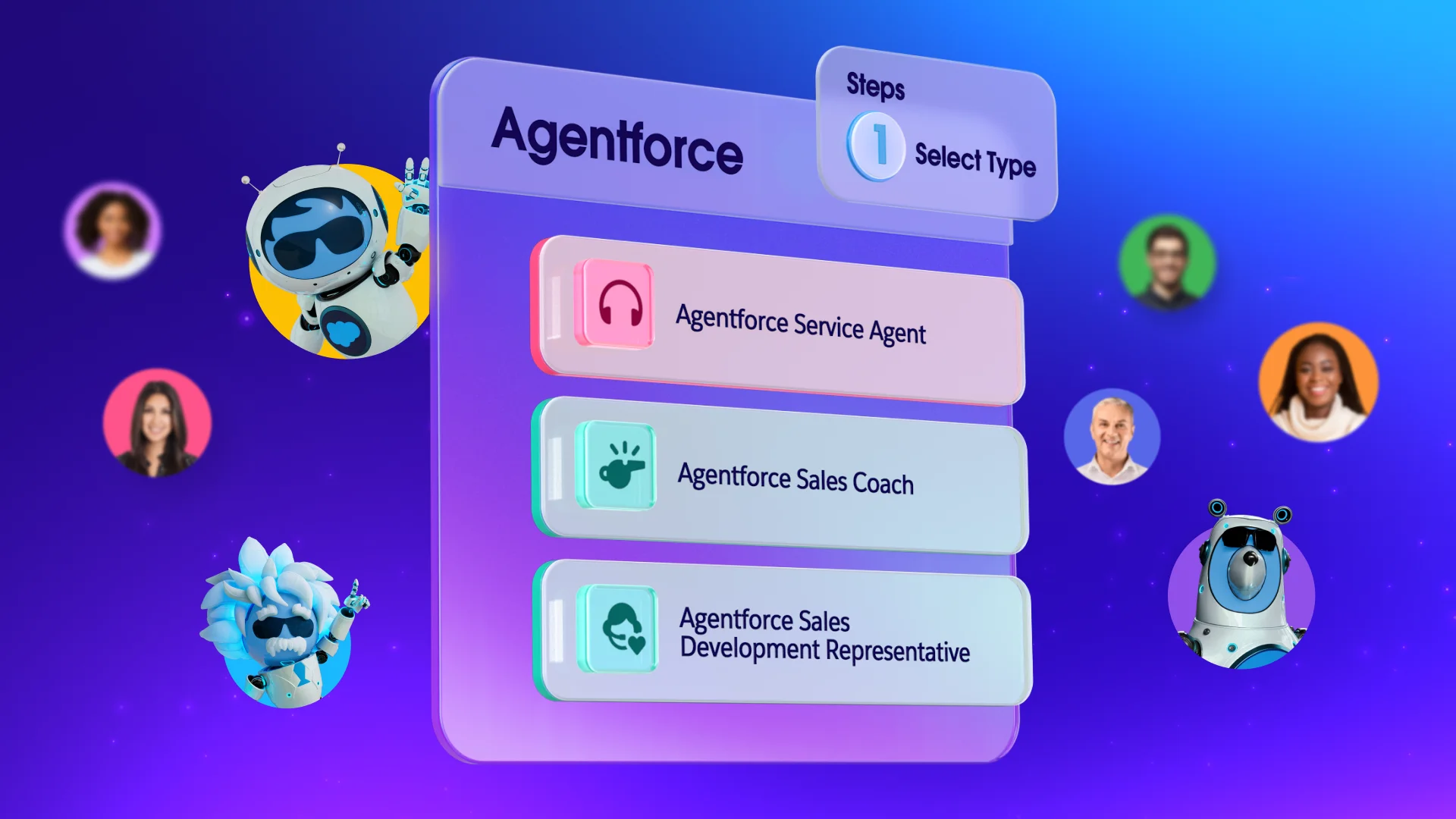
Agentforce Service enhances case routing by using predictive case routing, which uses machine learning to automatically filter cases from any channel in real-time, routing them to the right queue or agent based on expertise or past outcomes.
Service made easy with case routing automation
Transitioning to case routing automation allows your team to focus on meaningful customer interactions rather than manual administration. By starting with repetitive tasks and gradually incorporating AI-enhanced tools, you can improve both agent satisfaction and customer loyalty.
To simplify service and maintain a competitive edge, explore how Salesforce Starter and Pro Suites can elevate your service team today. Already a Salesforce customer? Activate Foundations today for free to try Agentforce 360.
AI supported the writers and editors who created this article.
What’s the difference between queue-based and skills-based routing?
Queue-based routing sends cases to a general group of agents in the order they arrive, while skills-based routing matches the specific needs of a case to an agent with the right expertise. Smaller businesses often start with queues and move to skills-based routing as their products become more technical.
How long does it take to set up basic case routing rules?
Basic email-to-case routing can be configured in a few hours once you have identified your primary support categories. The complexity grows as you add more channels like chat or social media, but the initial setup is designed to be user-friendly.
Can automation handle high-priority customers differently?
Yes, you can create specific rules that look for “Gold” or “VIP” status in your customer records to move those cases to the top of the list. This guarantees your most valuable accounts always receive the fastest possible response from your best agents.
Will my customers know that an AI agent routed their case?
The routing process happens behind the scenes, so the customer only experiences a faster connection to the right person. While AI might help categorize the request, the actual interaction remains human-to-human unless you specifically choose to use a customer-facing bot.
Do I need a large IT team to manage case routing automation?
Most modern CRM platforms are designed with “point-and-click” interfaces that allow business owners or office managers to set up rules without writing code. This makes advanced automation accessible to startups that don’t have dedicated technical staff.

