The key isn’t just using the right tools, but making sure they work together in one place. When you integrate your tech stack into platforms like Slack, you bring your team, workflows, and updates into a single view, so you can stay on top of everything. To help you get started, we’ve rounded up the top, reliable apps that will make your day-to-day easier and support your growth. Let’s take a look.
Project management and productivity tools give you a clear view of your tasks, deadlines, and team updates in one place. They make it easy to organize work and collaborate without relying on emails or spreadsheets.
With the right apps, you can save time and get more done. Here are a few we recommend:
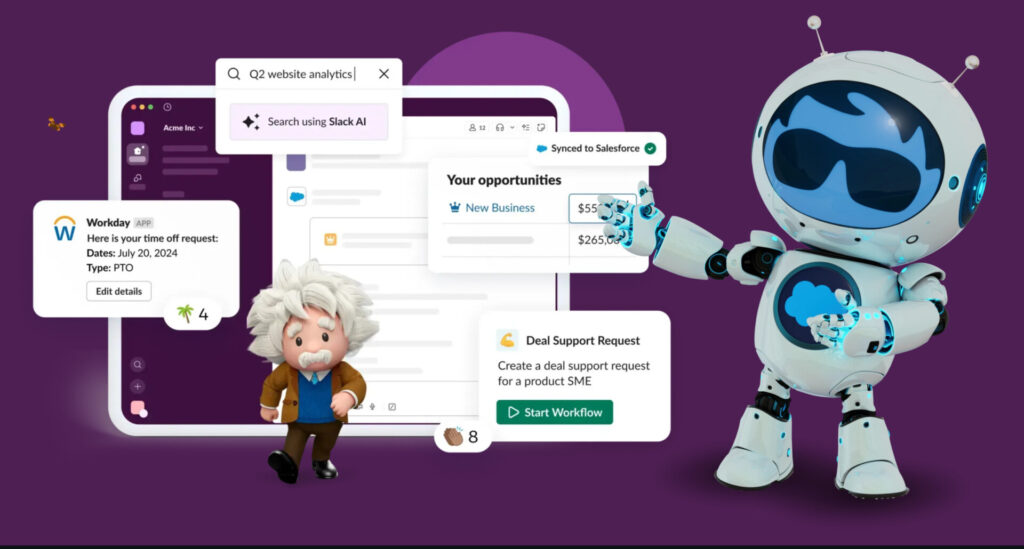
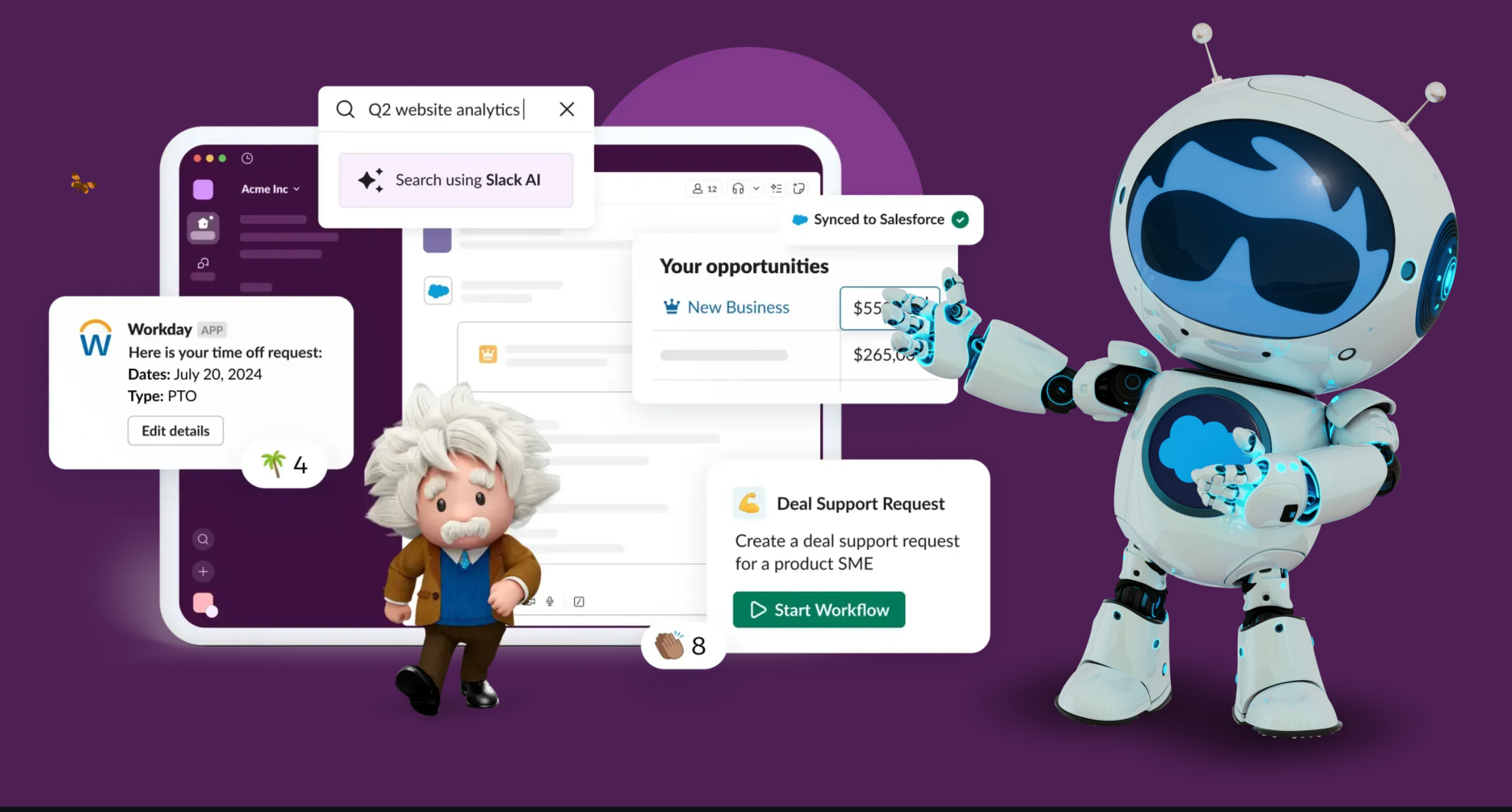
Slack is where your team comes together to get work done. You can chat with teammates, clients, or vendors in real time, making it easy to stay on the same page, no matter where you are. Need to find an old message or file? Just search. Slack keeps everything organized and easy to access, so your team can pick up where they left off without digging through inboxes. Admin controls also help you manage visibility, making sure the right people see the right information.
You can also turn everyday processes into real progress. Slack works with the tools you already use and uses artificial intelligence (AI) to automate routine tasks like sending meeting notes or updating sales records. It’s a productivity app that gives you one place to talk, plan, and get work done.
Key features:
Channels: Organized spaces for team conversations, with options for private chats and custom notifications to stay updated on projects and deadlines.
File sharing: Easy sharing and storage of files, with the ability to search and access them within the platform.
Conversation and thread summaries: Quickly catch up on long conversations without reading every message. Slack’s AI gives you a clear summary so you can jump back in fast.
AI meeting notes: Get automatic notes from your meetings, saving you time and making sure nothing important gets missed.
Integrations: Seamless integration with a variety of third-party apps and services, such as Google Drive, Trello, and Asana.
Search functionality: Powerful AI search capabilities to quickly find messages, files, and conversations.
Mobile app: Access to Slack on mobile devices for on-the-go communication.
Bots and automations: Use of bots and workflows to automate tasks and enhance productivity.
Security and compliance: Powerful security measures and compliance options to protect sensitive information.
Boost productivity with Slack for small business
Bring together your team, your customers, and your tools to help take your business to the next level.
Trello is a project management tool that helps small businesses stay organized. It works like a digital whiteboard, making it easy to track tasks and collaborate with your team. Trello is useful if you need a simple, flexible way to manage projects.
Key features:
Visual organization: Use boards, lists, and cards to structure your tasks and move them through different stages.
Team collaboration: Assign tasks, leave comments, and attach files so everyone stays on the same page.
Custom workflows: Add due dates, checklists, labels, and automation to tailor Trello to your needs.
Easy integrations: Connect with apps like Slack and more to simplify your workflow.
Free to start: The free plan offers unlimited boards and cards, making it great for small teams.
3. Optimizely
Optimizely offers website and content management and is designed to help businesses create, manage, and deliver engaging digital content across multiple channels and devices. It offers a powerful set of tools and features to streamline content creation, collaboration, and publication, ensuring that your digital presence is always up-to-date and aligned with your brand’s goals.
Key features:
Content collaboration: Facilitates collaboration among team members with features like version control, workflow management, and real-time editing.
Multi-channel Publishing: Supports publishing content across various platforms, including websites, mobile apps, and social media, ensuring a consistent brand message.
Search engine optimization (SEO): Built-in tools to improve content for search engines, helping to boost your website’s traffic.
Integration: Seamlessly integrates with other marketing and analytics tools, such as Google Analytics, to provide a comprehensive view of your digital performance.
Security: Ensures that your content is compliant with industry standards and regulations.
Trailhead: Salesforce for Small Business
Learn how your business can benefit from this out-of-the-box CRM.
A CRM is your business’s go-to tool for managing customer relationships. It keeps all your customer details in one place, so you don’t have to rely on notes or multiple spreadsheets. It tracks everything from sales calls to emails and customer service chats. A CRM for small business gives you valuable insights into your customers’ preferences and buying behavior, so you can provide a personalized experience for your customers.
Salesforce is an AI-powered CRM and a leader when it comes to managing customer relationships. It offers one platform that brings everything together. Customer 360 apps help you see all your customer information in one place. This unified approach makes it easier to simplify processes, automate tasks, and boost collaboration across all teams.
Here’s a quick look at the key products in Salesforce:
Agentforce is Salesforce’s agentic AI layer that helps you automate manual tasks and save valuable time. It uses AI agents that can take action on your behalf so your team can focus on high-value work.
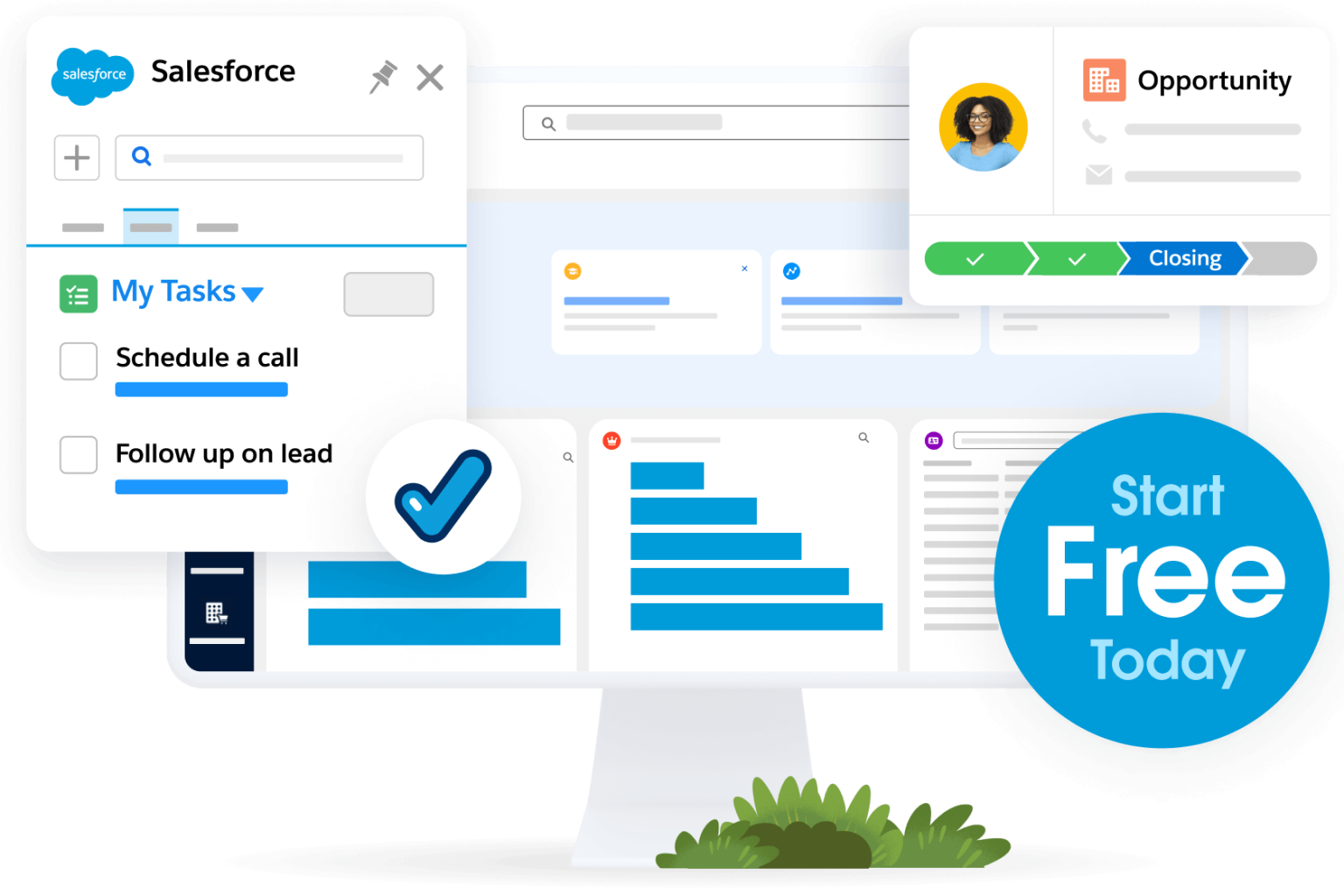
Sales CRMhelps you manage your sales from start to finish. It uses AI to focus on the best leads and automate follow-up tasks, making your sales process quicker and more efficient.
Service CRM helps you provide excellent customer support. It lets you quickly resolve issues through email, chat, and phone, and gives you a clear view of all customer interactions.
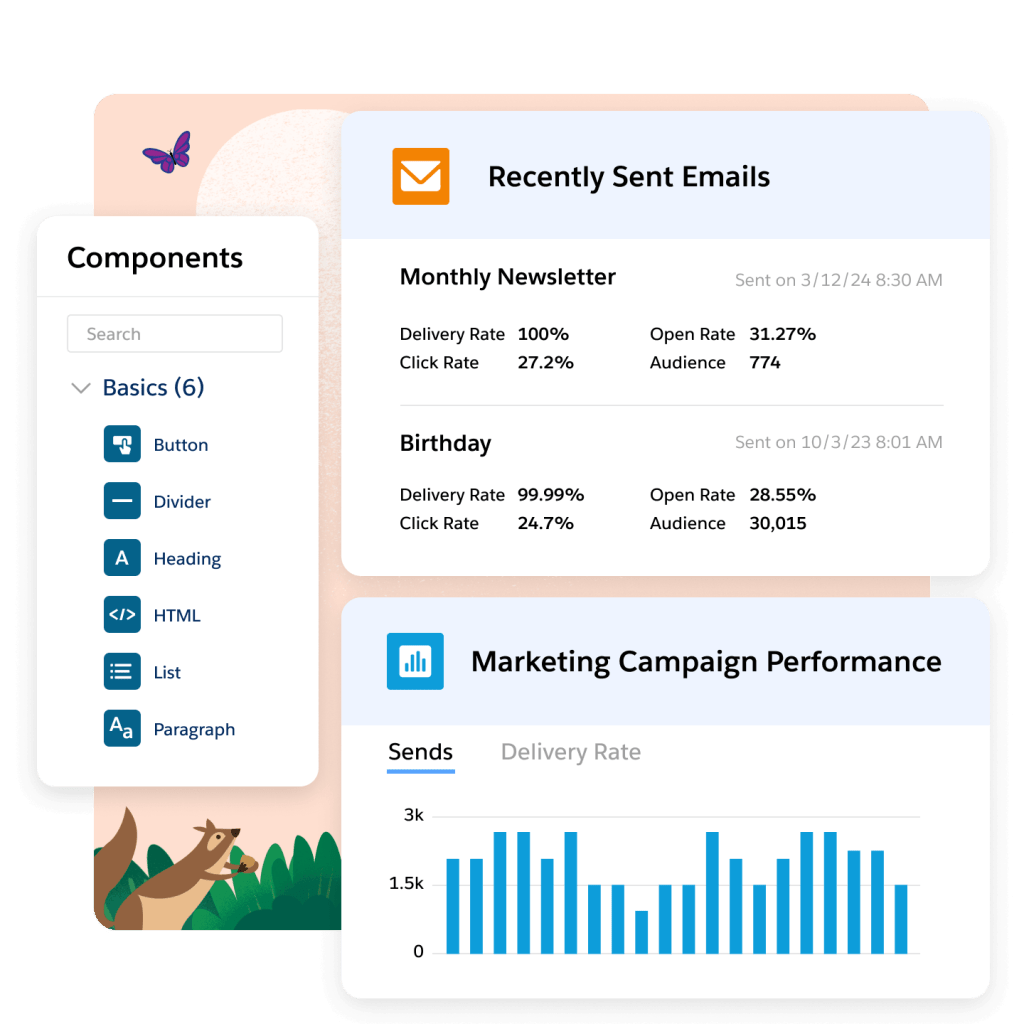
Marketing CRMhelps businesses run personalized marketing campaigns. It automates the process of targeting and segmenting your audience, so you can reach the right people at the right time.
Commerce CRM helps businesses create a smooth online shopping experience. It handles everything from managing inventory to customer service and offers personalization features to recommend products and promotions tailored to each customer.
Data Cloudbrings all your customer data together, giving you a complete view of your customers. It uses powerful analytics and AI to help you make better decisions, predict trends, and create smarter strategies.
Slack keeps your team connected in one place. You can chat, share files, and get AI-powered summaries and meeting notes to stay updated.
Net Zero Cloud helps you track and reduce your business’s carbon footprint. It gives you a clear view of your energy use, emissions, and sustainability goals — all in one place.
And there are more! Keep your eye on Salesforce, as the CRM is taking over business in the best way possible.
4. Starter Suite CRM
For SMBs and startups, Salesforce offers Starter Suite — a simple, all-in-one platform that includes tools for sales, service, marketing, and commerce. It’s designed to help you get started quickly without the hassle of managing multiple tools. Plus, everything is integrated. This means your teams can collaborate easily and work from one unified workspace.
Start by automating routine tasks, like offering a chatbot for 24/7 service. You can try it out yourself with a free trial, and see how it can streamline your processes and boost productivity. Get your data ready for AI.
Key features:
Sales management: Track opportunities, manage leads, and close deals faster.
Marketing automation: Run email campaigns and nurture customer relationships effortlessly.
Customer service: Handle customer service cases from one place and respond quickly to inquiries.
Commerce support: Set up an ecommerce store and manage orders with ease.
Productivity: Set up integration with a free Slack plan to improve team collaboration.
Kickstart your SMB with Starter Suite
Get started with CRM and see results from day one with Starter Suite — the all-in-one suite with the marketing, sales, service, and commerce tools you need to succeed.
For SMBs and startups, Salesforce offers Pro Suite — a simple, all-in-one platform that includes tools for sales, service, marketing, and commerce. It’s designed to help you get started quickly without the hassle of managing multiple tools. Plus, everything is integrated. This means your teams can collaborate easily and work from one unified workspace.
Pro Suite comes with built-in automation to make your work easier. With Foundations, you can activate Agentforce, automating routine tasks and getting personalized recommendations to help make informed decisions. This also offers a free trial, and offers advanced capabilities with automation.
Key features:
Sales management: Track opportunities, manage leads, and close deals faster with intelligent data.
Marketing automation: Automate posts, run email campaigns and nurture customer relationships with trusted data.
Marketing automation apps simplify your marketing tasks. Handling routine actions like sending emails, managing campaigns, and tracking customer behavior — frees up your time to focus on other important areas. These tools help you connect with potential customers, personalize experiences, and provide more effective marketing without the extra effort.
6. Salesforce Marketing for Small Business
A marketing CRM for small business puts all your promotional efforts in one place. It helps you create personalized campaigns, engage customers at every stage, and use data to make better decisions. You control the strategy, but the platform does the hard work for you.
Use generative AI (genAI) to create segments for your email campaigns using natural language. With built-in Data Cloud, you can create segments based on marketing data — helping you reach the right prospects with a personalized approach. And, use GenAI to draft catchy emails and hooky subject lines in minutes, allowing you to reach prospects faster. Here’s what you can do with a marketing CRM for small business.
What can your small business do with marketing automation on Salesforce CRM?
Sprout Social is a social media management tool that helps businesses handle their social media activities more efficiently. It allows you to manage multiple social accounts, engage with your audience, and track the success of your social efforts. Here are the key features:
Social publishing: Schedule and post content on multiple social platforms from one place.
Social listening: Track mentions of your brand and industry trends to stay informed and responsive.
Analytics and reporting: Get detailed reports to see how well your social media posts are performing.
Customer care: Manage and respond to customer messages and inquiries from a single inbox.
Team collaboration: Work with your team, assign tasks, and keep track of progress all in one platform.
8. Buffer
Buffer is perfect if you’re new to social media management and want something simple and effective. It’s designed to make scheduling posts and tracking performance as straightforward as possible. The clean interface ensures you won’t feel overwhelmed, even if you’re managing multiple accounts.
Key features:
Browser extension: You can quickly add content to your queue while browsing the web, making it easier to keep your social media pipeline full.
Simple analytics: Track how your posts are performing and refine your strategy to get the best results.
Engagement tools: Respond easily to comments and messages and create meaningful interactions with your audience.
Master social media for your SMB
Discover tips, tricks, and strategies to level up your social media game with Salesforce’s Guide to Social Media for Small Business Marketers.
Build a social media plan that grows your brand, connects with your audience, and scales with your business.
Ecommerce website builders help you create a professional, user-friendly website without hiring developers or designers. These tools are perfect for small businesses that need a digital storefront or a place to showcase services or products.
9. Salesforce Commerce for Small Business
A commerce CRM for small business gives you the tools to create a professional, modern digital storefront tailored to your business needs. If you’re starting from scratch or upgrading your current store, you can choose from easy templates to design the perfect shopping experience for your customers.
If you want a faster and smoother shopping experience for your customers, the customizable storefront offers quicker page loads and offline browsing. You can also add advanced features or connect your existing store. With built-in security, global support, and tools to keep your store running smoothly, a commerce CRM for small business makes it easy to scale your business online.
Key features:
Quick setup: Get your online store up and running fast with simple, pre-built templates.
Global and multilingual support: Customize your store for different regions or languages with just a few clicks.
Data drives decisions, and for small businesses, knowing your numbers is key to growth. Analytics and business intelligence (BI) tools turn your data into clear insights, from website traffic to sales performance. With these insights, you can identify trends, improve your operations, and make better decisions for the future.
10. Tableau for Small Business
Tableau is a powerful business intelligence (BI) tool that turns your data into easy-to-understand visuals like charts, graphs, and dashboards. It helps you quickly spot trends, identify opportunities, and make informed decisions, even if you’re not a data expert. Its intuitive design allows you to explore information easily, making data visualization more accessible for small businesses.
Beyond just visuals, Tableau lets you interact with your data in real time. It helps you make smarter, data-driven decisions by providing insights into sales performance, customer behavior, and marketing effectiveness.
Key features:
Drag-and-drop interface: Build interactive dashboards for sales, marketing, finances, or operations with a simple drag-and-drop feature.
Data integration: Connect Tableau to your data sources (like a spreadsheet, CRM, or database) without any coding.
Interactive visuals: Drill down into specific details, filter data, and explore different scenarios.
Actionable insights: Understand what’s happening in your business and make data-driven decisions faster.
11. Google Analytics
Google Analytics helps you track how people interact with your website. But it can feel a bit complicated at first. Understanding all the data and reports may take some time, and a little training can go a long way in helping you make the most of it. It’s free, easy to set up, and packed with insights that can help you improve your online presence.
Key features:
Visitor tracking: See where your website visitors are coming from and what landing pages they visit and click the most.
User behavior insights: Understand which actions your visitors are taking on your website, helping you optimize the user experience.
Conversion tracking: Set up performance goals and track conversions like sign-ups, purchases, or downloads to see what’s fueling results.
Customizable reports: Get data-backed reports to see what’s working and where improvements are needed.
Employee management apps
Employee engagement and management apps help keep your team happy and productive. These apps simplify human resource (HR) tasks, offer easy access to resources, and ensure quality support. With automation taking care of the repetitive stuff, everyone can focus on working together and improving the employee experience.
12. Salesforce Employee Service Management
Salesforce makes employee engagement easier with Employee Service Management. Human resource teams can use a self-service portal to quickly find answers, complete tasks, and access support whenever they need it. This makes it convenient to handle things like checking paid time off (PTO), finding resources, or resolving issues without delays.
Multiple communication channels: Get support through chat, email, voice, or messaging apps like WhatsApp, ensuring flexibility in reaching out to the right team.
Automation for HR: Automate repetitive tasks, and route cases to the right person, saving HR teams time.
Personalized support: HR teams can view employee data to offer more personalized support and resolve issues faster.
13. Gusto
Gusto is a popular HR platform designed specifically for growing businesses. It handles everything from payroll to benefits management, ensuring your team is taken care of from onboarding to career longevity.
Gusto also offers onboarding tools, so you can easily bring new hires up to speed with less paperwork. It allows them to fill out forms, set up direct deposits, and even get introduced to the company culture through a guided experience.
Key features:
Automated payroll: Gusto handles payroll calculations, ensuring your employees are paid on time without the hassle.
Integrated tax filing: It calculates, files, and pays payroll taxes for you, saving time and reducing errors.
Employee benefits: Easily manage benefits like health insurance and retirement plans, ensuring your employees get the perks they need.
Trailhead: Build Your Business Skills
Master the essential skills to connect with customers, drive growth, and achieve success. Start building your business expertise today.
Cloud development and hosting apps allow you to build, host, and scale applications online without worrying about managing physical infrastructure. You can quickly deploy software, aid workflows, and scale operations without the need for complex server management. Developing an app isan excellent way to create custom solutions, manage websites, or run applications more efficiently.
14. Heroku
Heroku simplifies app deployment and management by providing a platform-as-a-service (PaaS) where you can build, run, and scale applications with ease. It takes care of all the back end complexities of app hosting and management, letting you focus on your products or services. For example, if you’re launching a new customer portal, Heroku handles the hosting and updates, so you don’t have to worry about server maintenance or downtime.
Key features:
Easy deployment: Heroku makes it incredibly easy to deploy your app with just a few commands, saving you time and effort.
Scalability: As your business grows, Heroku scales with you, offering more resources to handle increased traffic or app usage without a hassle.
Integrations: Connect with other apps and services like databases, email, or analytics tools to extend your app’s capabilities.
Managed infrastructure: Heroku handles the technical side (like servers and security) so you don’t have to worry about maintaining the infrastructure.
Seeing is believing. Try Salesforce for free with a 30 day trial.
See how small businesses are using Salesforce CRM to scale fast. No credit card required, no software to install. It all starts with Starter Suite.
Industry
Automotive
Communications
Financial Services
Healthcare
Tech
Education
Life Sciences
Manufacturing
Media
Nonprofit
Public Sector
Retail & Consumer Goods
Energy & Utilities
Other
Select your industry.
Country/Region
United States
Afghanistan
Albania
Algeria
American Samoa
Andorra
Anguilla
Antarctica
Antigua And Barbuda
Argentina
Armenia
Aruba
Australia
Austria
Azerbaijan
Bahamas, The
Bahrain
Bangladesh
Barbados
Belarus
Belize
Belgium
Benin
Bermuda
Bhutan
Bolivia
Bouvet Is
Bosnia and Herzegovina
Botswana
Brazil
British Indian Ocean Territory
Brunei
Bulgaria
Burkina Faso
Burundi
Cambodia
Cameroon
Canada
Cape Verde
Cayman Is
Central African Republic
Chad
Chile
China
Hong Kong
Macau
Christmas Is
Cocos (Keeling) Is
Colombia
Comoros
Cook Islands
Costa Rica
Cote D’Ivoire (Ivory Coast)
Croatia (Hrvatska)
Cyprus
Czech Republic
Democratic Republic of the Congo
Denmark
Dominica
Dominican Republic
Djibouti
Ecuador
Egypt
El Salvador
Equatorial Guinea
Eritrea
Estonia
Ethiopia
Falkland Is (Is Malvinas)
Faroe Islands
Fiji Islands
Finland
France
French Guiana
French Polynesia
French Southern Territories
F.Y.R.O. Macedonia
Gabon
Gambia, The
Georgia
Germany
Ghana
Gibraltar
Greece
Greenland
Grenada
Guadeloupe
Guam
Guatemala
Guinea
Guinea-Bissau
Guyana
Haiti
Heard and McDonald Is
Honduras
Hungary
Iceland
India
Indonesia
Ireland
Israel
Italy
Jamaica
Japan
Jordan
Kazakhstan
Kenya
Kiribati
Korea, South
Kuwait
Kyrgyzstan
Laos
Latvia
Lebanon
Lesotho
Liberia
Liechtenstein
Lithuania
Luxembourg
Madagascar
Malawi
Malaysia
Maldives
Mali
Malta
Marshall Is
Mauritania
Mauritius
Martinique
Mayotte
Mexico
Micronesia
Moldova
Monaco
Mongolia
Montserrat
Morocco
Mozambique
Myanmar
Namibia
Nauru
Nepal
Netherlands, The
Netherlands Antilles
New Caledonia
New Zealand
Nicaragua
Niger
Nigeria
Niue
Norway
Norfolk Island
Northern Mariana Is
Oman
Pakistan
Palau
Panama
Papua new Guinea
Paraguay
Peru
Philippines
Pitcairn Island
Poland
Portugal
Puerto Rico
Qatar
Republic of the Congo
Reunion
Romania
Russia
Rwanda
Saint Helena
Saint Kitts And Nevis
Saint Lucia
Saint Pierre and Miquelon
Saint Vincent And The Grenadines
Samoa
San Marino
Sao Tome and Principe
Saudi Arabia
Senegal
Serbia
Seychelles
Sierra Leone
Singapore
Slovakia
Slovenia
Solomon Islands
Somalia
South Africa
South Georgia & The S. Sandwich Is
Spain
Sri Lanka
Suriname
Svalbard And Jan Mayen Is
Swaziland
Sweden
Switzerland
Taiwan
Tajikistan
Tanzania
Thailand
Timor-Leste
Togo
Tokelau
Tonga
Trinidad And Tobago
Tunisia
Turkey
Turks And Caicos Is
Turkmenistan
Tuvalu
Uganda
Ukraine
United Arab Emirates
United Kingdom
United States Minor Outlying Is
Uruguay
Uzbekistan
Vanuatu
Vatican City State (Holy See)
Venezuela
Vietnam
Virgin Islands (British)
Virgin Islands (US)
Wallis And Futuna Islands
Western Sahara
Yemen
Zambia
Zimbabwe
State/province
Alberta
British Columbia
Manitoba
New Brunswick
Newfoundland
Northwest Territories
Nova Scotia
Nunavut
Ontario
Prince Edward Island
Quebec
Saskatchewan
Yukon
Select a state/province
State/province
Alabama
Alaska
Arizona
Arkansas
California
Colorado
Connecticut
Delaware
District of Columbia
Florida
Georgia
Hawaii
Idaho
Illinois
Indiana
Iowa
Kansas
Kentucky
Louisiana
Maine
Maryland
Massachusetts
Michigan
Minnesota
Mississippi
Missouri
Montana
Nebraska
Nevada
New Hampshire
New Jersey
New Mexico
New York
North Carolina
North Dakota
Ohio
Oklahoma
Oregon
Pennsylvania
Rhode Island
South Carolina
South Dakota
Tennessee
Texas
Utah
Vermont
Virginia
Washington
West Virginia
Wisconsin
Wyoming
Apps make scaling your small business easier, simple as that. They turn complicated tasks into manageable steps that you can handle, even when you’re on the go. Whether you need to automate daily tasks, work better with your team, or make informed decisions, apps are there to help. With the right apps, everything runs smoothly, so you can focus on growing and innovating your business.
Salesforce helps you do that by bringing all your essential business functions together — sales, service, marketing, commerce, and productivity — in one CRM. You don’t have to switch between multiple tools to keep everything running smoothly. Salesforce handles it all, from customer relationships to sales tracking and marketing automation.